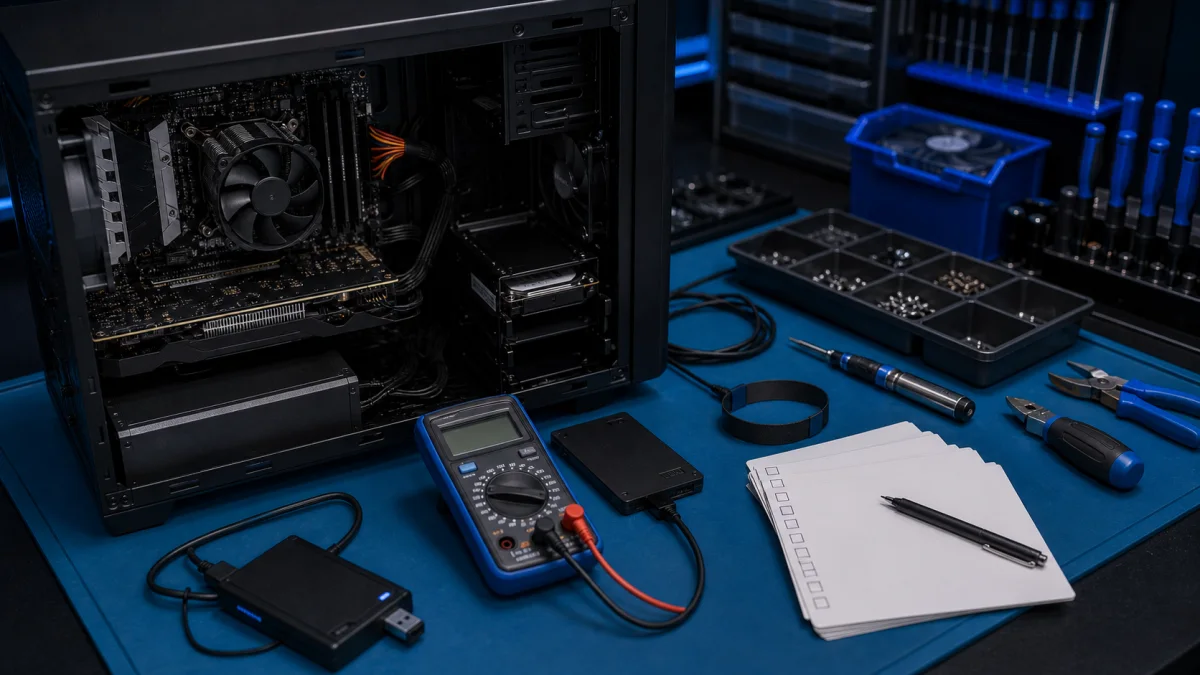
Computer Maintenance Assessment – Honest Checkup in Helsinki
A computer maintenance assessment helps you understand what condition your computer is really in. If the computer is slow, noisy, overheating, crashing or getting old, the main question is often whether it should be repaired, upgraded or replaced.
At Bitmaster in Punavuori, Helsinki, we check Windows laptops and desktop computers before recommending paid repairs. We look at the actual condition of the computer and explain what is sensible: a small fix, an upgrade, data backup, Windows reinstall or no repair at all.
Need an honest computer checkup?
Describe the problem or bring the computer in. We will check what makes sense before paid work begins.
When a maintenance assessment makes sense
Many customers contact us when the computer still works, but something feels wrong. A checkup is useful when the symptoms are unclear and you do not want to guess which part or repair is needed.
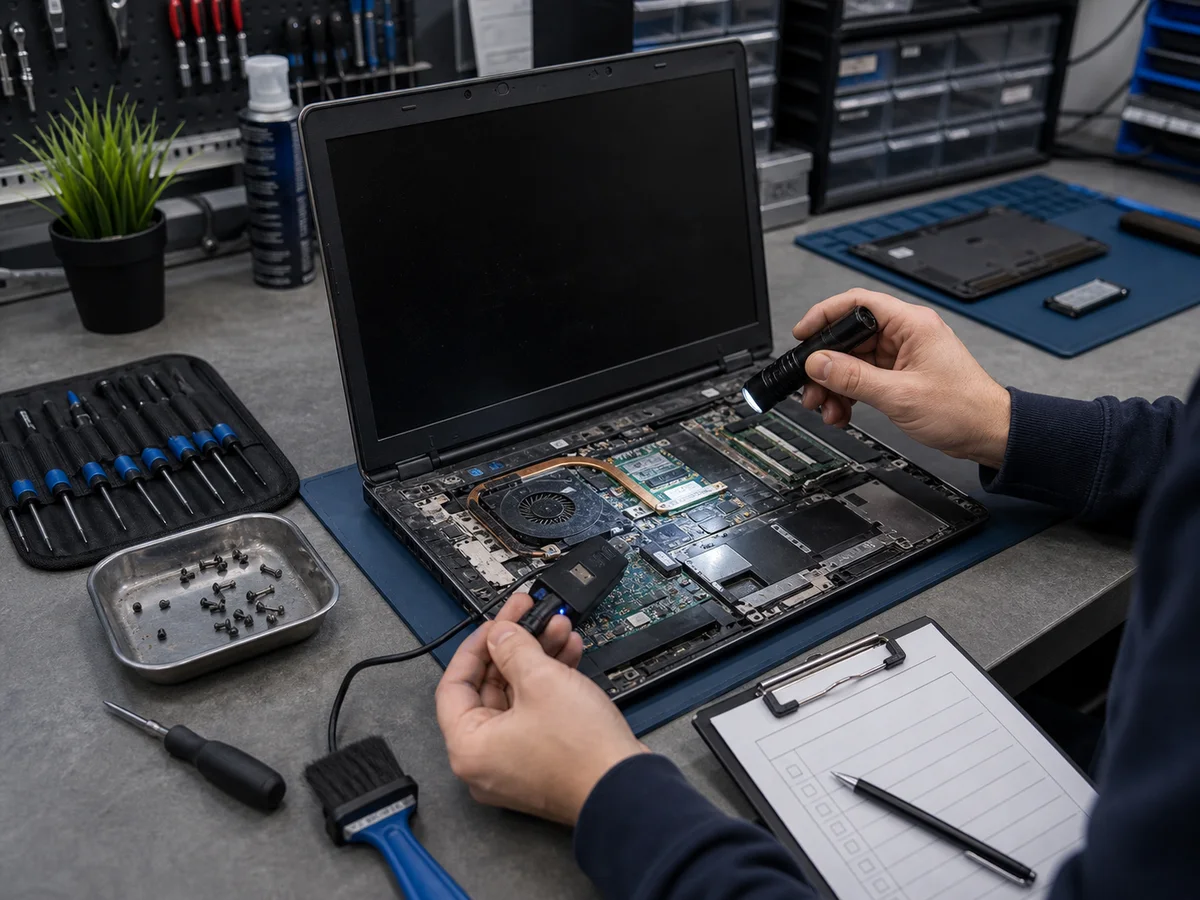
- The computer has become noticeably slower than before
- Windows takes a long time to start or shut down
- The computer freezes, crashes or restarts by itself
- The fan is loud or runs constantly
- The computer feels hot even in normal use
- You suspect malware or unwanted software
- You are unsure whether to repair, upgrade or replace the computer
- You are preparing a computer for resale, donation or family use
- You need a written summary of the condition and recommended actions
What we check during the assessment
A proper assessment is more than a quick look. We check the parts that usually explain slow performance, instability and overheating.
- Operating system: Windows health, updates, startup behaviour and system errors.
- Storage drive: SSD or hard drive condition, free space, wear level and warning signs.
- Memory: RAM amount, stability and possible memory-related errors.
- Cooling: fan noise, dust buildup, temperatures and signs of overheating.
- Power: battery, charger, power supply or unstable power behaviour.
- Security: malware, unwanted software and suspicious browser behaviour.
- Performance: startup programs, background load and general responsiveness.
Common findings in older computers
In 3–7 year old computers, we often find the same few issues. The computer may feel “old”, but the reason can be something fixable, such as a failing hard drive, overheating or too little memory.
- Old mechanical hard drive: often the biggest reason an older computer feels slow.
- Nearly full storage: Windows may slow down when the drive has very little free space.
- Dust and dried thermal paste: common causes of heat, fan noise and sudden shutdowns.
- Too little RAM: modern browsers and office work can be heavy for older 4 GB systems.
- Startup clutter: too many programs start automatically without the user noticing.
- Corrupted Windows installation: updates, drivers or failed repairs can make Windows unstable.
- Weak battery or charger: especially common in older laptops.
Possible outcomes after the checkup
After checking the computer, we explain what we found and what your options are. The goal is not to sell the biggest repair, but to find the most sensible next step.
- Minor software cleanup: removing unwanted programs, fixing startup items or repairing Windows settings.
- SSD upgrade: often the best improvement for an older computer with a mechanical hard drive.
- RAM upgrade: useful when the computer has too little memory for current use.
- Cooling service: dust cleaning and thermal paste replacement for overheating computers.
- Clean Windows reinstall: when the system is too damaged or cluttered for a quick repair.
- Hardware repair: replacing a failing drive, charger, battery, fan or power supply.
- Data transfer: moving files to a newer computer if repair is not worth it.
- No repair recommended: when the computer is too old or the repair cost is not sensible.
When repair or upgrade is not worth it
Not every computer should be repaired. We will tell you if the expected cost is too high compared with the value and future use of the computer.
- The computer is very old and already limited by its processor or memory platform
- The repair requires expensive parts that are difficult to source
- Several components are failing at the same time
- The repair cost is close to the price of a newer refurbished computer
- The computer is needed for work that it can no longer handle reliably
In these cases, the sensible solution may be data backup or transfer instead of major repair work.
Typical prices
- Basic maintenance assessment: usually €49–89
- Diagnosis of startup, crash or overheating problems: usually €49–89
- Malware or unwanted software check: usually €69–149
- Cooling service with assessment: usually €69–149
- SSD upgrade with system transfer: usually €120–200
- Clean Windows reinstall: usually €89–149
- Written report: available when needed
The exact price depends on the computer and the work required. We agree an estimate when the device is received. If the work can be completed within that estimate, we carry it out. If the estimate would be exceeded or substantially more work is needed, we contact you before continuing.
Frequently asked questions
How long does a maintenance assessment take?
A basic assessment is often completed the same or next business day. Intermittent crashes, overheating or storage problems may require longer testing.
Do I have to repair the computer after the assessment?
No. The assessment helps you decide what to do. We explain the findings and costs before any paid repair work begins.
Can you tell me if the computer is worth repairing before I bring it in?
We can give a preliminary opinion based on the model, age and symptoms. A reliable recommendation requires checking the actual condition of the computer.
Can you assess a computer that does not start?
Yes. We diagnose computers that do not power on, do not boot Windows or stop during startup.
Can you check a used computer before I buy it?
Yes. We can check the condition of a used laptop or desktop before purchase, including storage health, performance, battery condition and general reliability.
Can I get a written report?
Yes. We can provide a written summary of the findings and recommended actions when needed, for example for a company, insurance case or resale decision.
Contact Bitmaster
If your computer is slow, hot, noisy, unstable or you simply want to know whether it is still worth using, describe the situation to us. We will tell you whether a maintenance assessment makes sense.
Need a computer maintenance assessment?
Bring the device in or call us first.
09 174 746
Bitmaster, Pursimiehenkatu 16, Helsinki
Mon-Fri 10-18