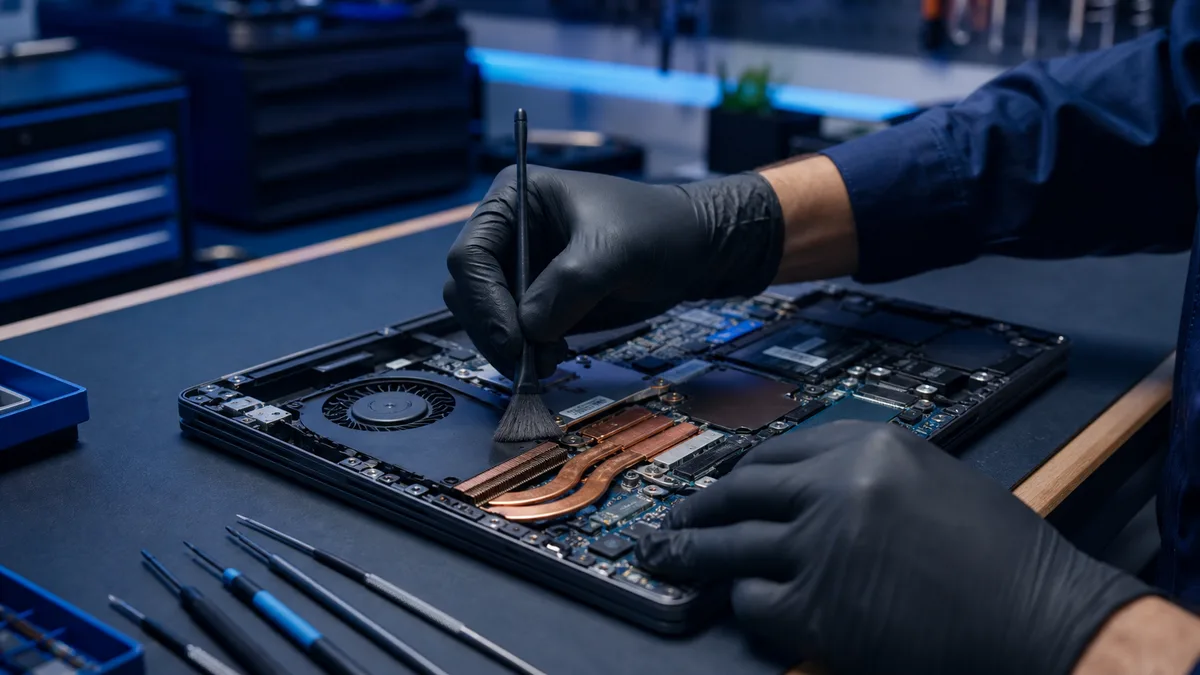
Laptop gets hot and slow – dust, thermal paste, or a fault?
A hot laptop may throttle performance to protect its processor. Dust is common, but a failing fan, aged thermal compound, malware, or battery fault may...
Regular maintenance keeps your computer running smoothly and extends its lifespan. Dust clogs the cooling system, worn thermal paste raises temperatures, and a neglected machine slows down over time. Below you'll find guides on the basics — from cleaning out dust to replacing thermal paste.
A hot laptop may throttle performance to protect its processor. Dust is common, but a failing fan, aged thermal compound, malware, or battery fault may...
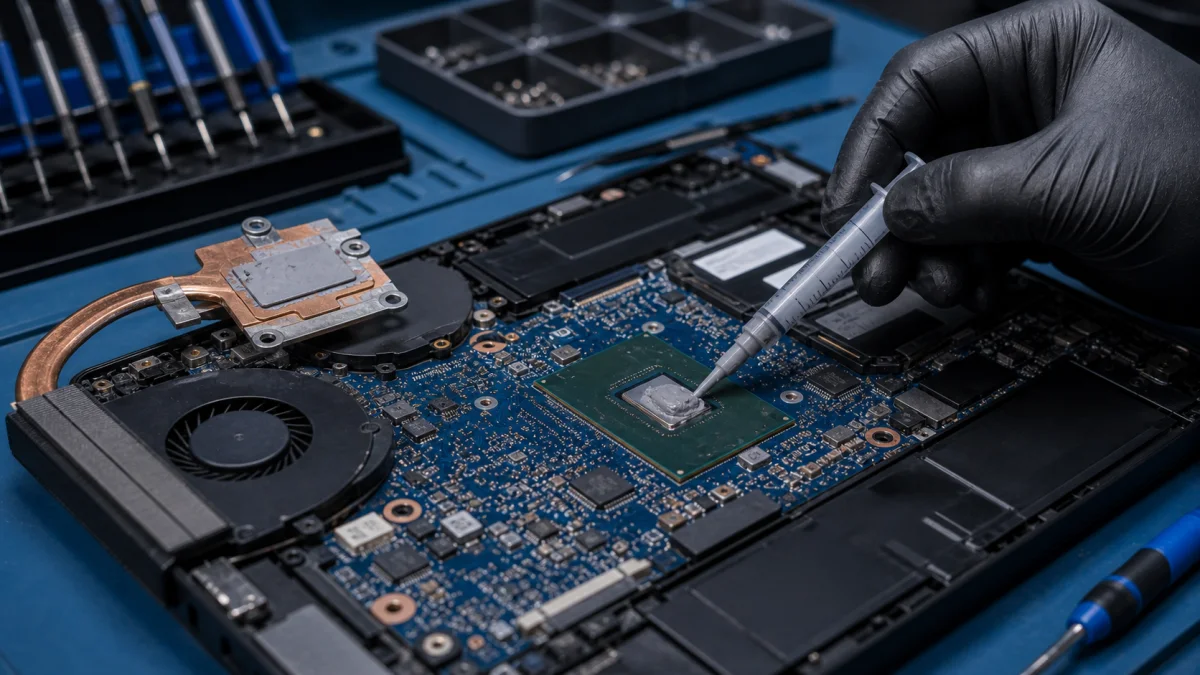
Why thermal paste is replaced Improved heat conductivityThe processor thermal paste is a substance that is applied between the processor and the cooling...
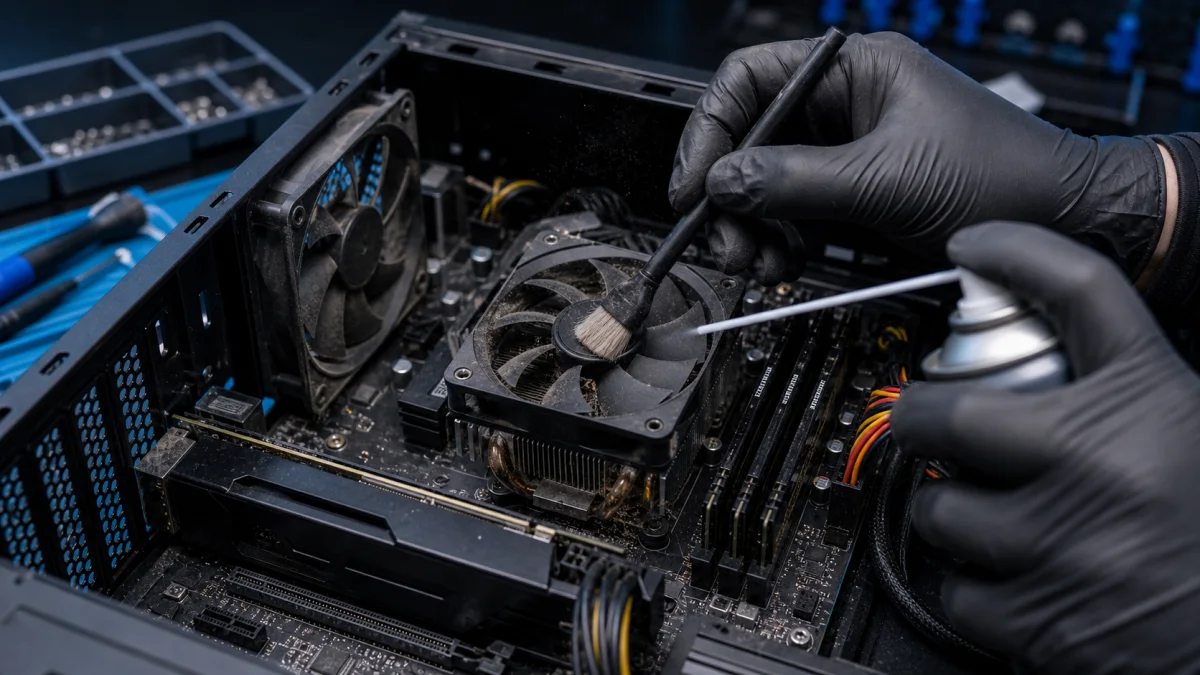
Professional Computer and Laptop Dust Cleaning Service – Helsinki Keeping your computer free from dust is essential for maintaining performance,...
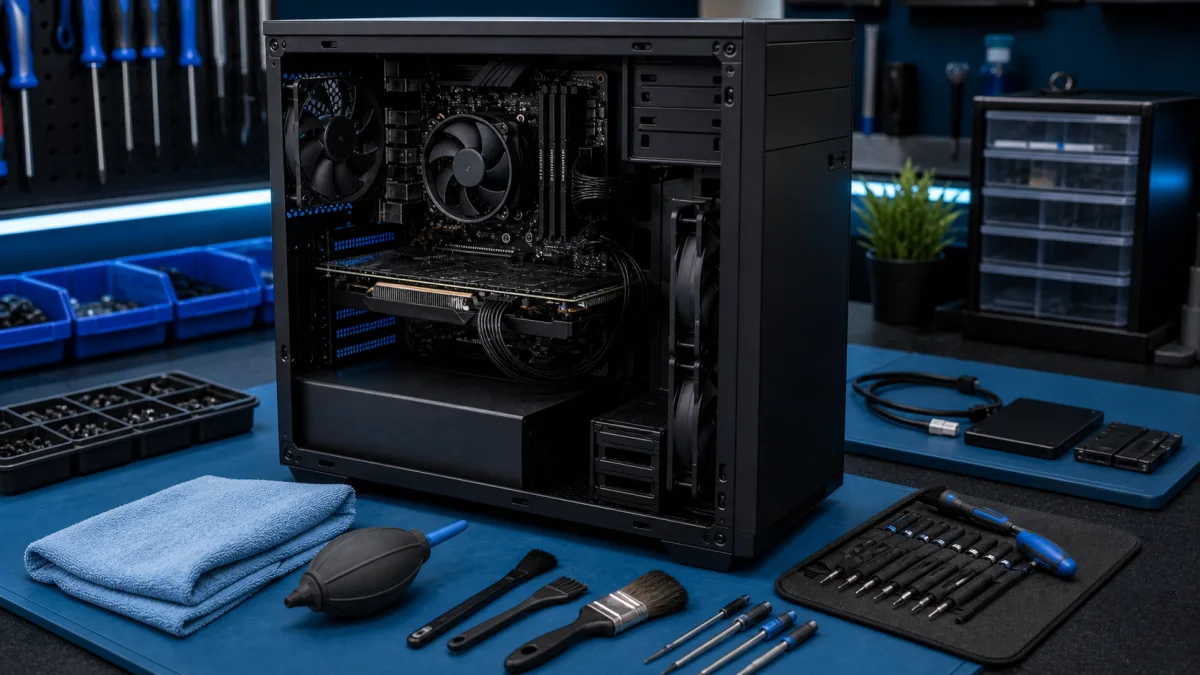
Computer Maintenance - Keep Your PC Reliable Computer maintenance is not only dust cleaning or deleting temporary files. Good maintenance keeps the...