09-174 746

BSOD

A blue screen means Windows crashed in a way it could not recover from. The cause can be a driver, memory, storage, an update or a hardware fault.

Below you will find articles about Windows crashes, error codes and computers that restart during use. If blue screens keep coming back, it is worth checking the cause before your data is at risk.

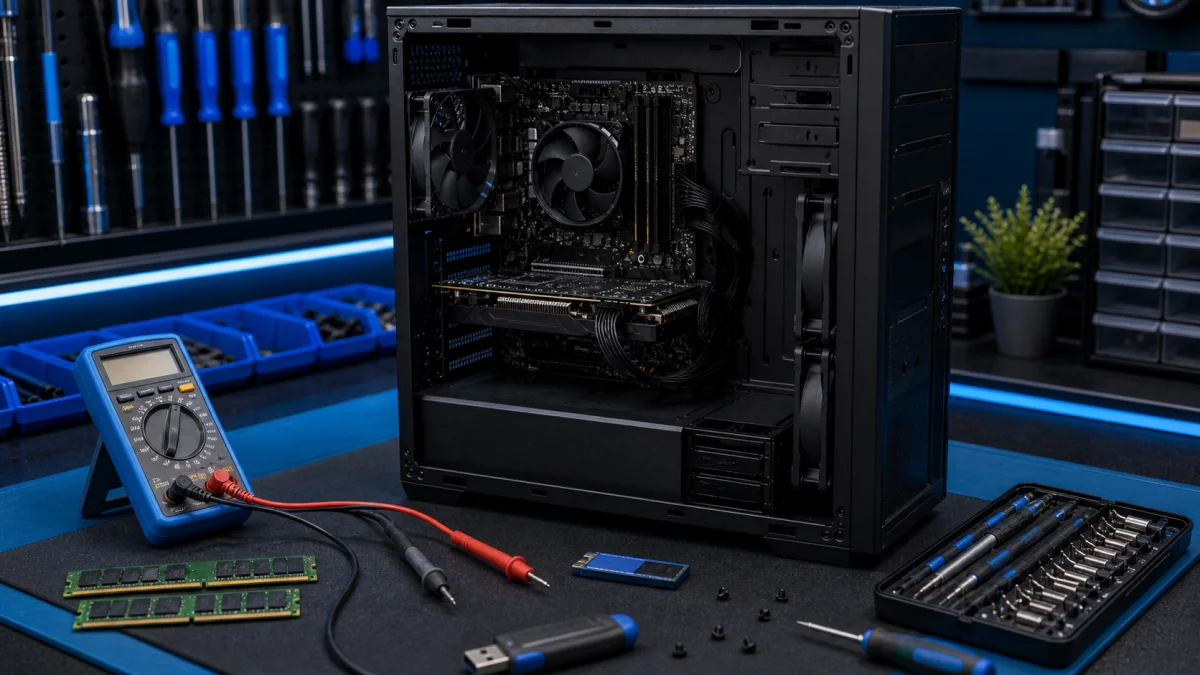
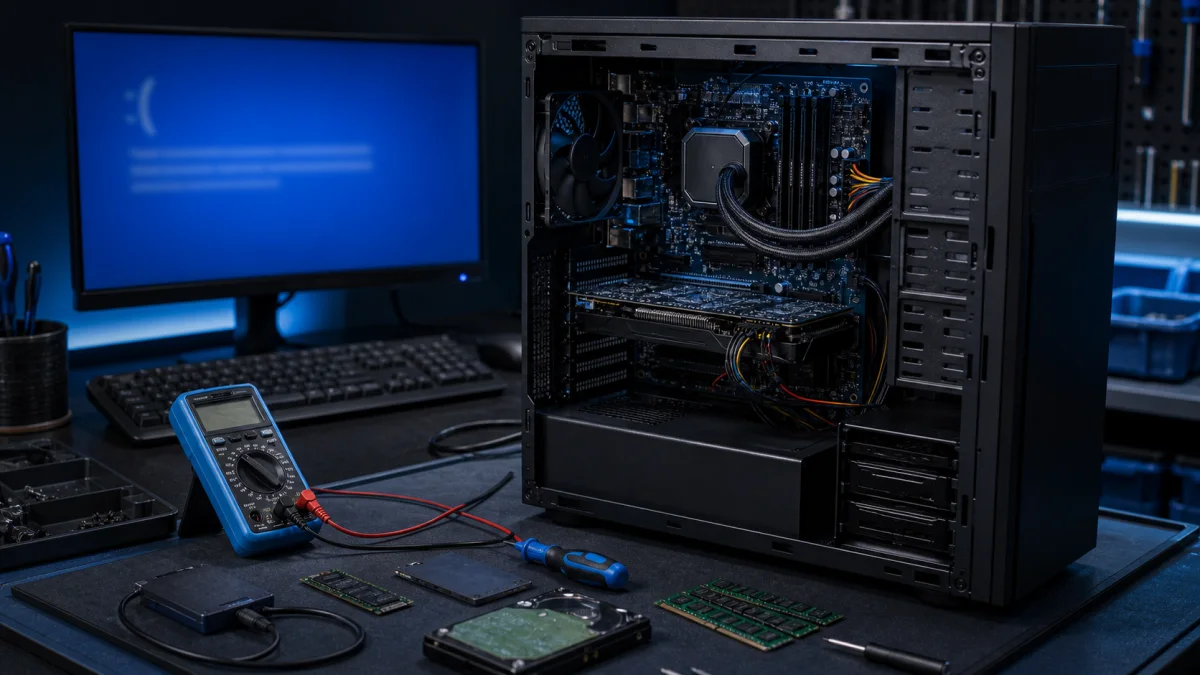
Blue screen error diagnosis on a repair bench

Bluescreen BSOD

Instructions for troubleshooting blue screen errors in Windows, particularly in Windows 11 and Windows 10: Sometimes, Windows can unexpectedly shut down or restart due to a serious error, and you might see a message saying it's to prevent damage to your computer. These errors, known as blue screen e...
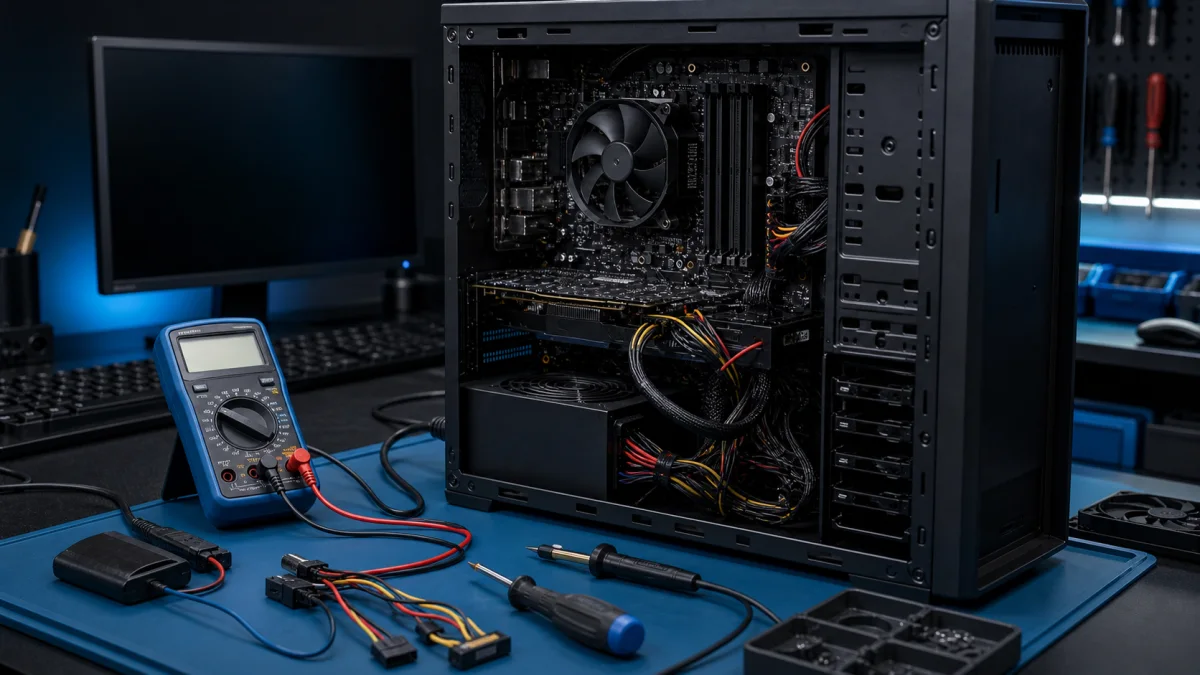

Startup failure diagnosis on an opened computer

Computer won't start - Tips and instructions for troubleshooting

Sometimes computers can be disappointing when they don't start up as they should. Here are various reasons why a computer may not start up, and we provide tips on how you can fix the problem. If the computer got wet, do not keep trying to start it; see what to do first after liquid damage. Computer...

Windows troubleshooting setup with diagnostic tools

Troubleshoot Windows problems

A few tips to help you solve possible Windows issues. Windows Updates: Make sure your Windows operating system is always updated to the latest version. Updates can help you fix many possible issues. Disk Space: If your computer's disk space is full, it can slow down your computer's performance and c...

Computer troubleshooting with diagnostic tools on a repair bench

Troubleshooting computer problems

Troubleshooting Computer Problems - Bitmaster Helsinki Computer problems are easier to solve when the symptoms are checked in the right order. A slow computer, black screen, Windows crash or network problem can look similar from the outside, but the cause may be software, storage, memory, cooling, p...

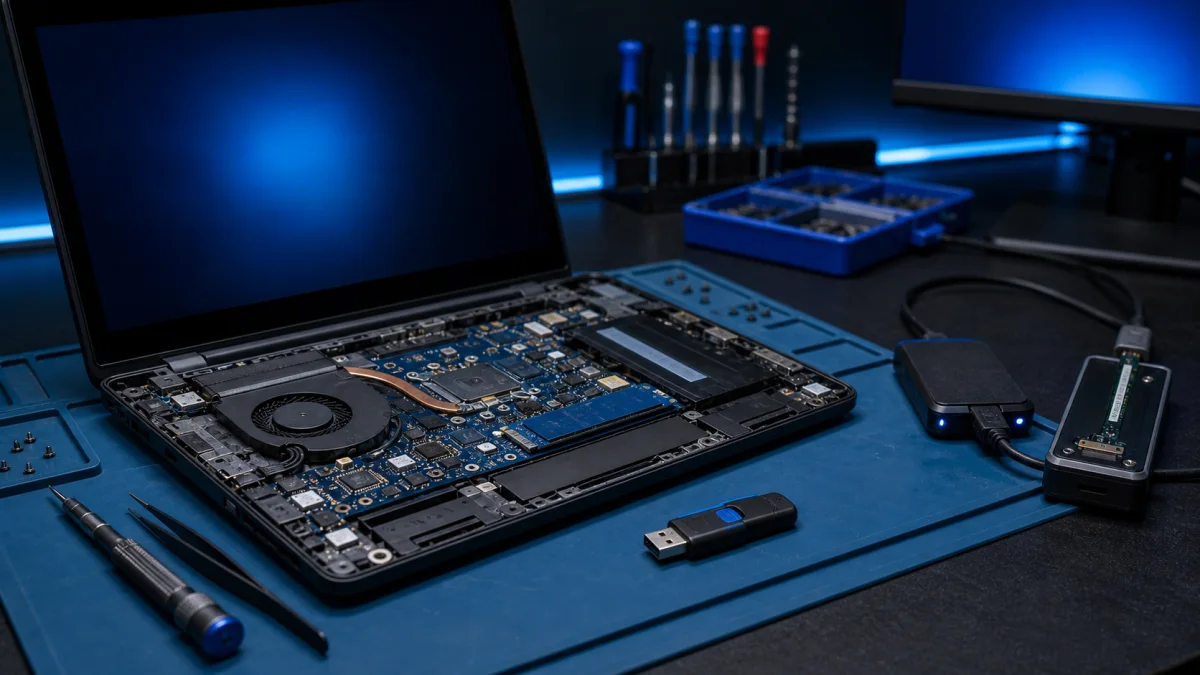
Windows boot failure diagnostics on a laptop

Windows does not start

What to do when Windows does not start If you're trying to start your computer and Windows refuses to boot, what should you do? "Windows doesn't start" is a common issue with various possible causes. Here are some troubleshooting steps: First steps: has anything changed? Think about any modification...

Windows recovery media and laptop repair setup

Windows recovery

Windows Recovery - When Windows Will Not Work Properly Windows recovery is useful when the computer will not start, updates have broken the system, a reset has failed or Windows is too damaged for normal repair. The right recovery method depends on one thing first: whether your files are safely back...