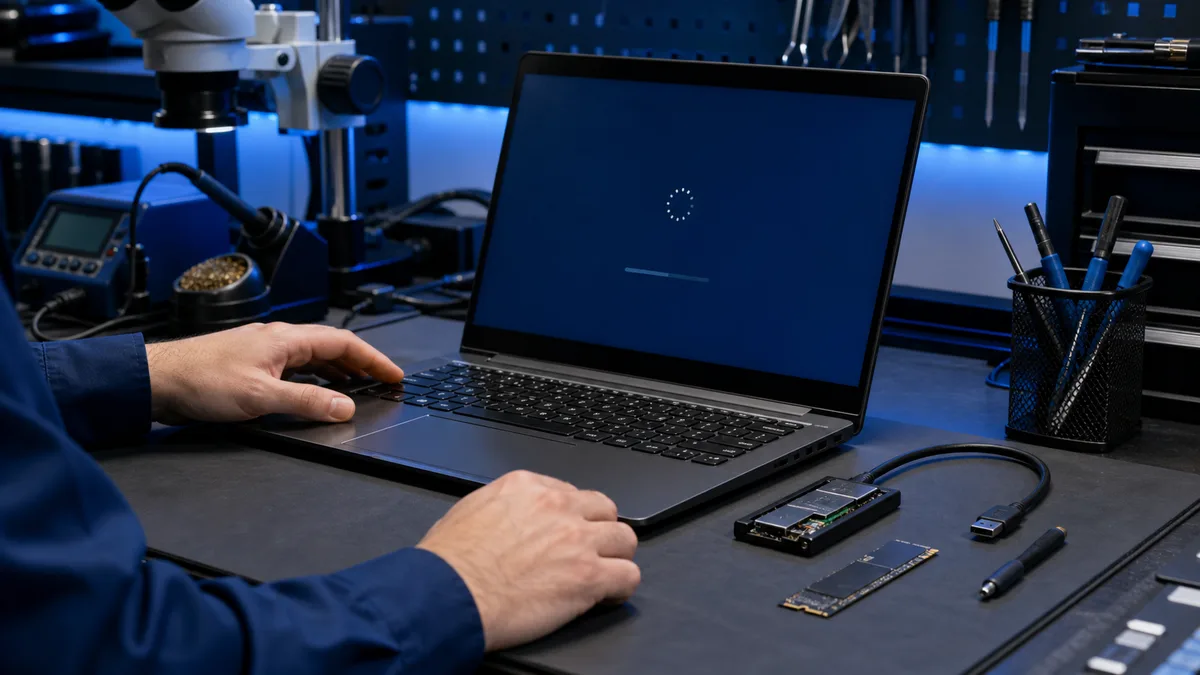
If the computer freezes while opening folders, photos, or documents, the storage drive is one possible cause, but not the only one. Secure important files before running repair utilities.
Does the computer freeze when opening files?
Tell us whether the files are on an internal or external drive and whether they are backed up. We can separate drive, memory, and Windows faults.
Describe the freezing problem
What can the symptom mean?
A bad sector, unstable USB connection, file-system error, insufficient memory, malware, or one corrupt file can all cause a similar pause.
Narrow it down carefully
- Check whether one file or every folder triggers it.
- Note whether the files are on an internal or external drive.
- Record any error message.
- Copy the most important files if reading remains stable.
When should you suspect the drive?
The drive is a strong suspect if activity stays at 100 percent, files disappear, startup becomes slow, or health data shows increasing errors. A good SMART result does not rule out a fault.
When should you stop testing?
Stop if the drive disconnects, makes unusual sounds, or every copy attempt freezes the machine. Do not run a repairing scan before securing the files.
What does a repair assessment add?
We separate drive, memory, Windows, and thermal faults. Then it is possible to choose system repair, drive replacement, or data recovery first.
Identify the cause before trying more repairs
After the files are safe, we can separate drive, memory, thermal, and Windows faults and recommend a repair without random part replacement.
Arrange diagnosis for the freezing
File previews can also trigger the freeze
File Explorer reads thumbnails, metadata, and directory structures when a folder opens. One corrupt file or a poorly readable area of the drive can therefore stall the entire window. If the same folder works from another drive, that observation helps narrow the fault.
Memory and thermal faults behave differently
Memory faults may crash unrelated applications randomly. Thermal trouble often appears as load and operating time increase. Drive faults more often follow a particular folder, copy operation, or startup phase.