09-174 746

Troubleshooting

Troubleshooting means finding the real cause before replacing parts or reinstalling Windows. A slow or unstable computer can have several very different reasons behind it.

Below you will find articles about diagnosing computer problems, startup faults, crashes and slow performance. If you want to understand what is wrong first, start here.

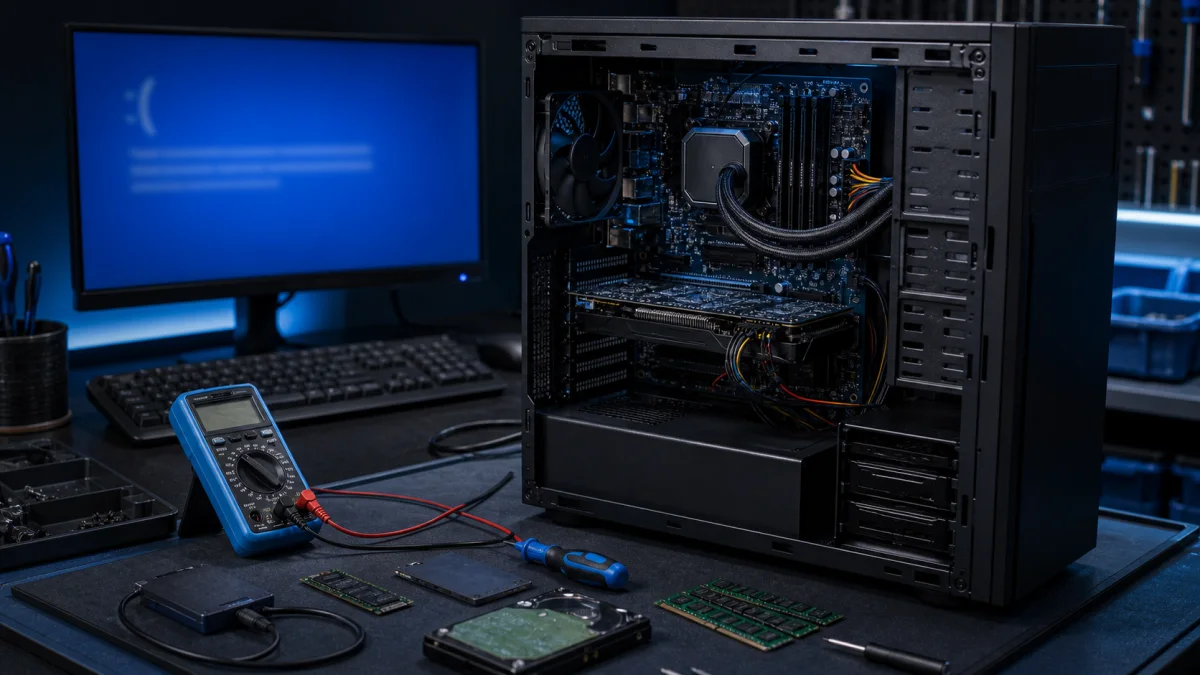
Blue screen error diagnosis on a repair bench

Bluescreen BSOD

Instructions for troubleshooting blue screen errors in Windows, particularly in Windows 11 and Windows 10: Sometimes, Windows can unexpectedly shut down or restart due to a serious error, and you might see a message saying it's to prevent damage to your computer. These errors, known as blue screen e...
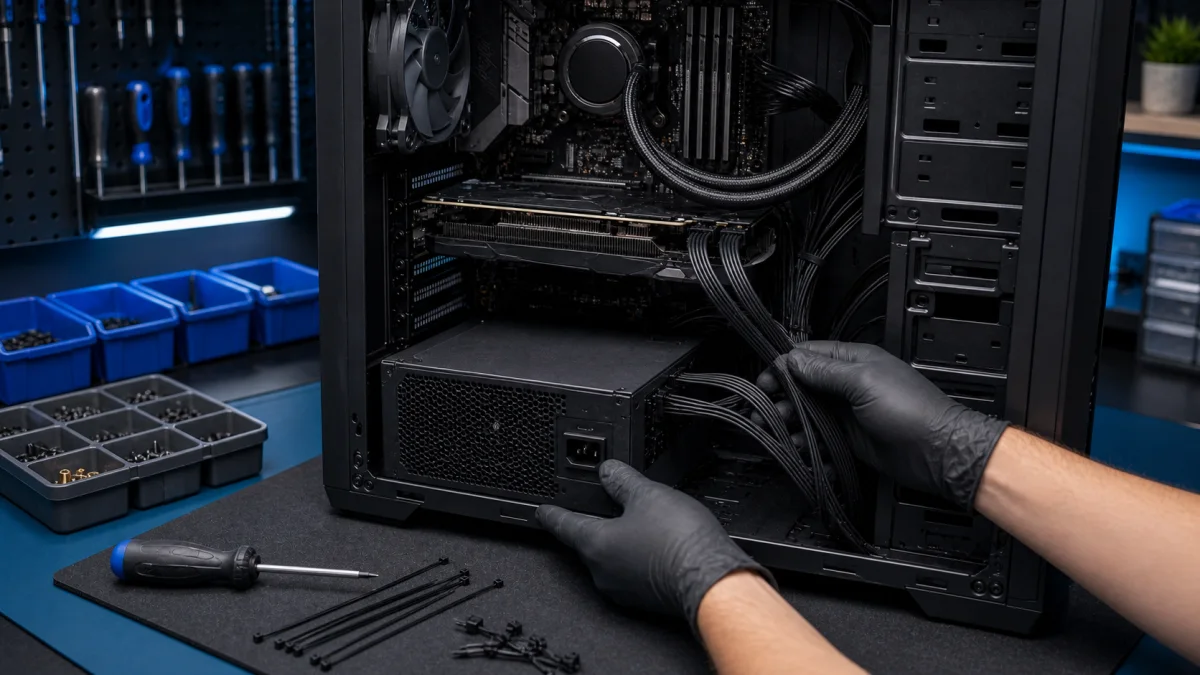
Desktop power supply installation with cable routing

Desktop power supply replacement

Desktop Power Supply Replacement A desktop power supply should be replaced carefully. A failing or low-quality PSU can cause random shutdowns, startup problems, burning smells, unstable graphics card behaviour or damage to other components. At Bitmaster in Helsinki, we replace desktop power supplies...

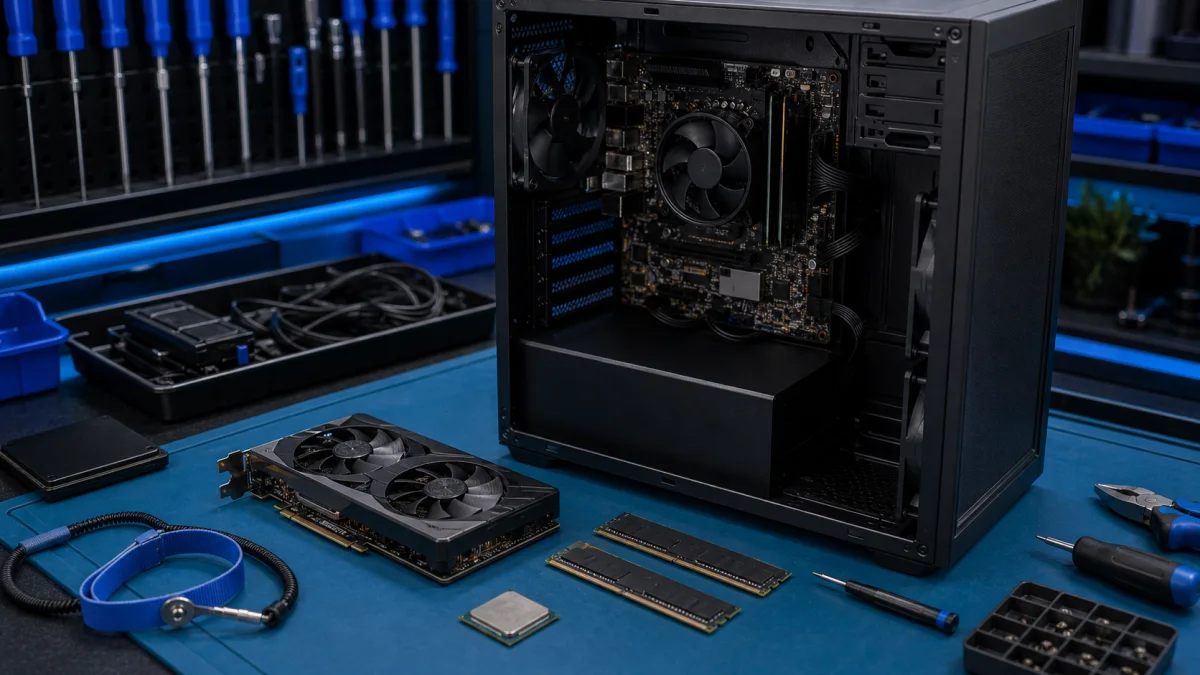
PC component installation on an anti-static repair bench

How to Install PC Components

PC Upgrade Problems – Component Installation Help in Helsinki Installing a new PC component can look simple, but problems often start before the part is even fitted. The component may not be compatible, the power supply may be too weak, the case may be too small or the BIOS may not recognise the upg...

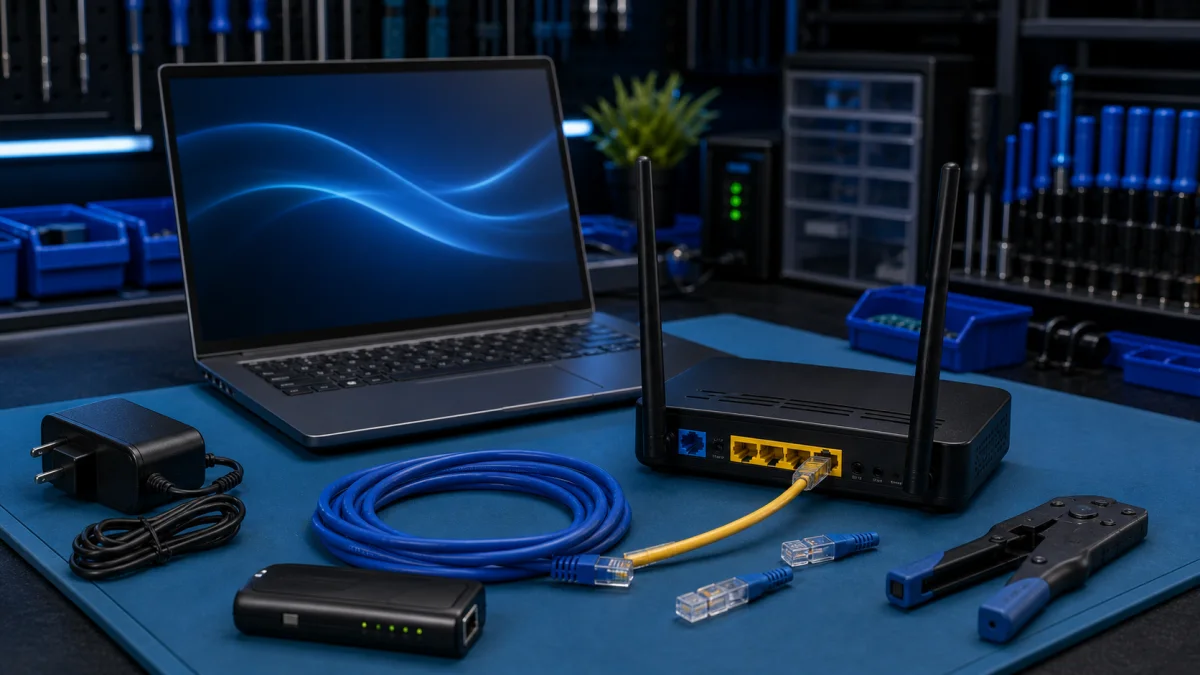
Broadband router and laptop connection setup on a service bench

installing broadband

Installing broadband may seem complicated, but it's usually fairly easy and quick as long as you follow a few basic guidelines. Choose a provider: The first step in installing broadband is to choose a provider. Check that the provider is available in your area and choose a plan that fits your needs...

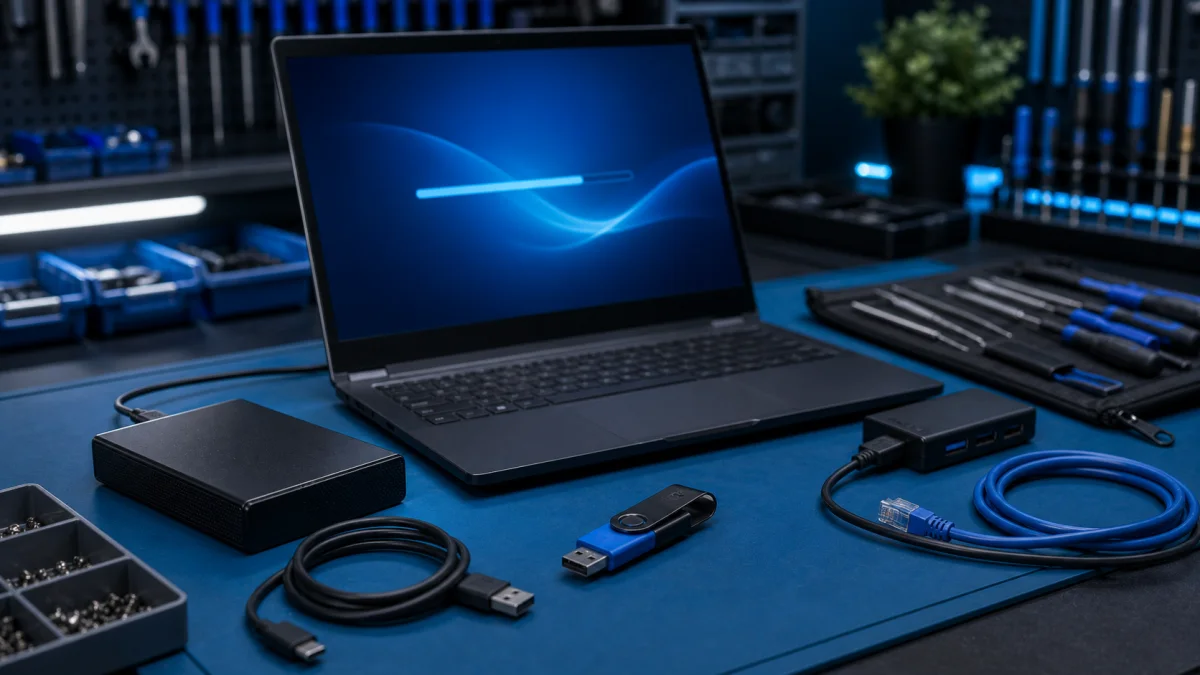
Safe Windows software installation on a service bench

Installing software on a Windows computer

Installing Software on a Windows Computer – Safe Installation Help in Helsinki Installing software on Windows is usually simple, but choosing the wrong download source can cause problems. Many unwanted programs, browser extensions and fake “cleanup tools” get installed when users download software f...

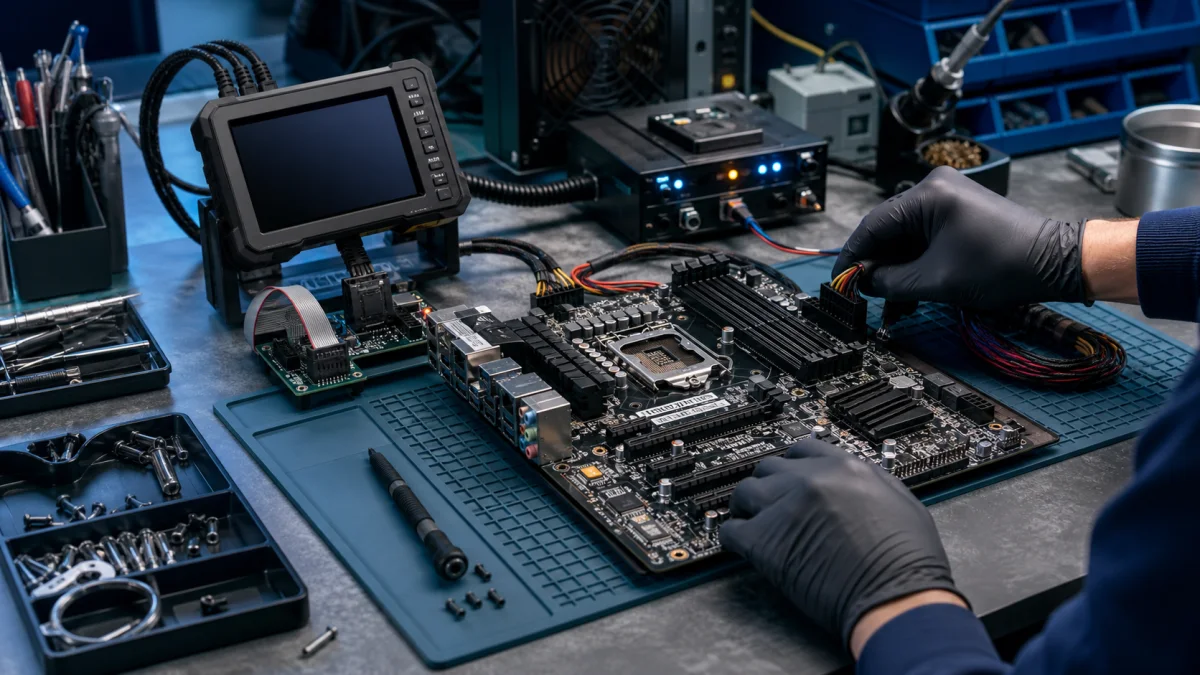
BIOS update diagnostics on a motherboard service bench

Updating BIOS

The computer's BIOS (Basic Input/Output System) is software that acts as an interface between the computer's hardware and the operating system. It contains basic information about the computer's components and determines their operation. BIOS may need to be updated for various reasons, such as the f...

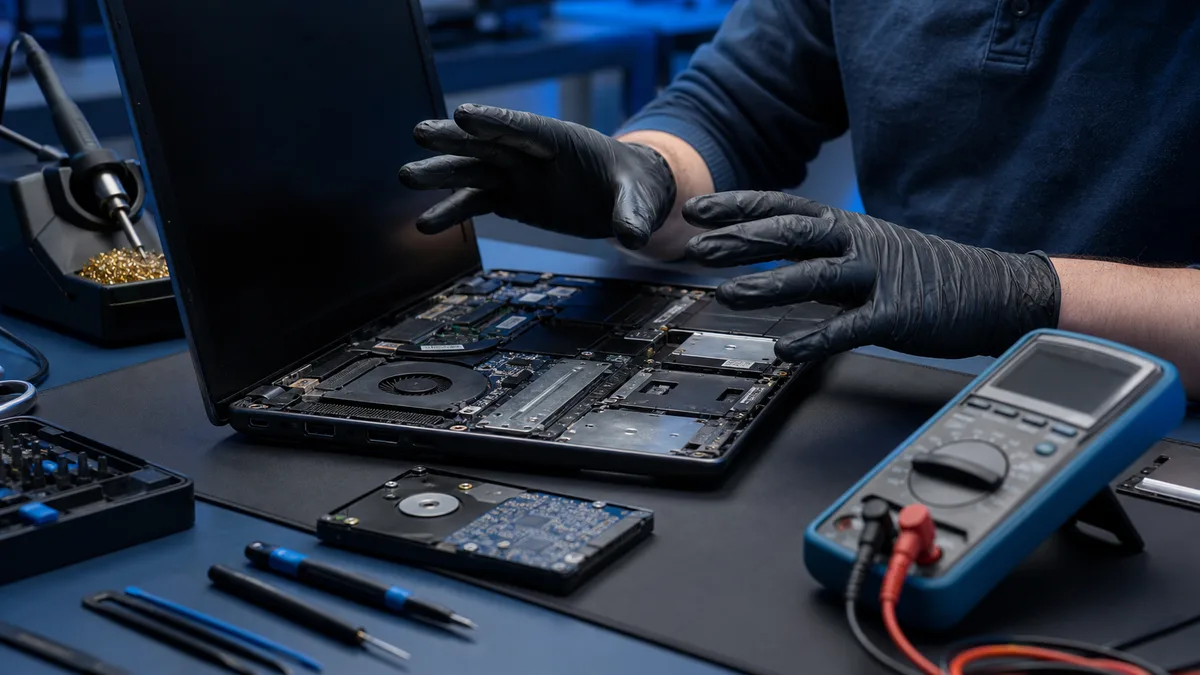
opened laptop and diagnostic tools before a repair decision

When is a free tool no longer the safe next step?

A free diagnostic or repair tool can solve a normal software problem. It cannot make a high-risk situation safe. If a drive is unstable, the computer powers off, or files are unique, the next step should be assessment rather than another installation.Considering a free repair or optimisation tool?Te...