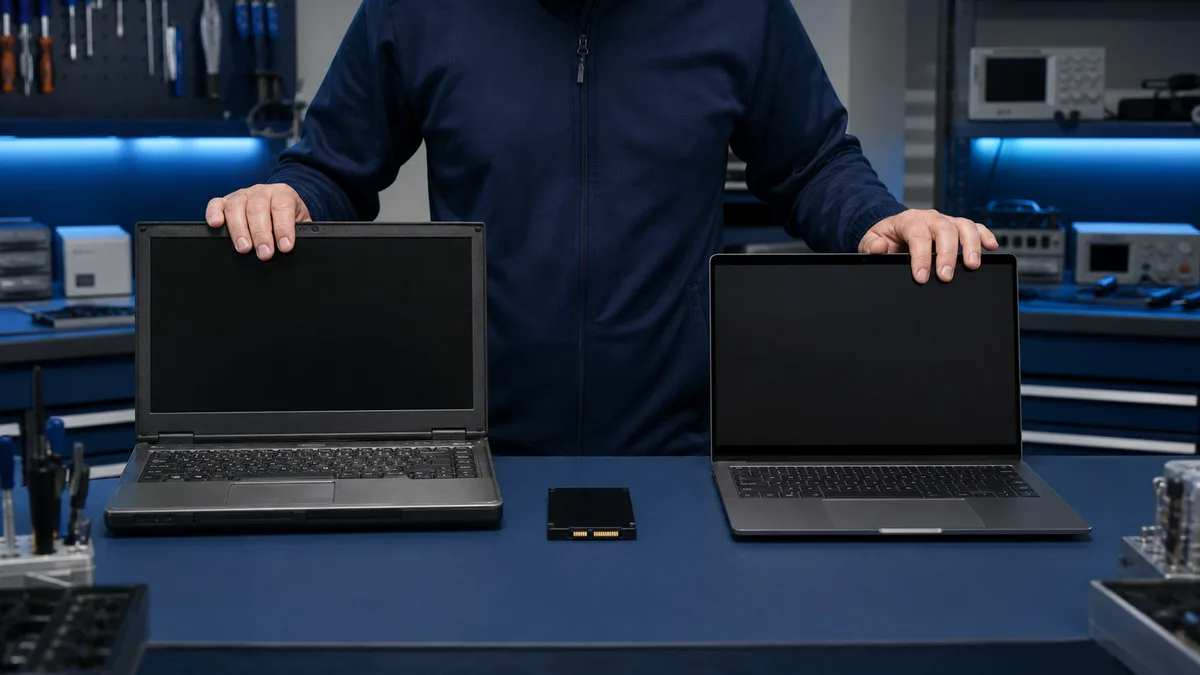
An SSD can make a healthy older computer much faster. It cannot fix a weak battery, broken hinges, insufficient memory, or expired operating-system support.
Should you upgrade the current computer or replace it?
Tell us the model, memory, current drive, and any other faults. We compare the full SSD upgrade cost with a replacement device.
Ask for an upgrade assessment
An SSD often makes sense when
the machine has a slow hard drive, an adequate processor, enough memory, and a sound chassis. Data may be transferred from the old drive depending on its condition.
Replacement makes more sense when
several faults need repair, parts are unavailable, Windows 11 support is missing, or total upgrade cost approaches a working replacement.
Calculate the whole job
Include the SSD, labour, memory, battery, Windows installation, and data transfer. A refurbished business laptop may be better value than a new low-end model.
Bitmaster assessment
We inspect the condition and explain whether to upgrade, repair, recover data, or replace the device.
Make the upgrade decision from the computer’s overall condition
We assess the SSD, memory, battery, cooling, and Windows support and compare the full cost of upgrading, repairing, or replacing the device.
Request a repair–upgrade–replace assessment
Expected lifetime matters as much as speed
An SSD improves startup and application loading, but the battery, display, hinges, keyboard, and cooling system also affect the decision. One good component does not make a computer with several faults economical to repair.
Windows 11 compatibility affects the choice
The end of Windows 10 support makes operating-system support part of the assessment. An unsupported computer may still suit limited use after an SSD upgrade, but a replacement is usually better for a long-term primary machine.
Data transfer and software belong in the total cost
The SSD price is only one part. Installation, Windows, file transfer, possible cloning, and application setup should be included. If the old drive is faulty, data recovery is assessed separately.
A refurbished business laptop is a third option
Between repairing the old computer and buying a new consumer model, a serviced business laptop may offer stronger construction and repairability at a reasonable price. Warranty and the customer’s real workload should be part of the comparison.