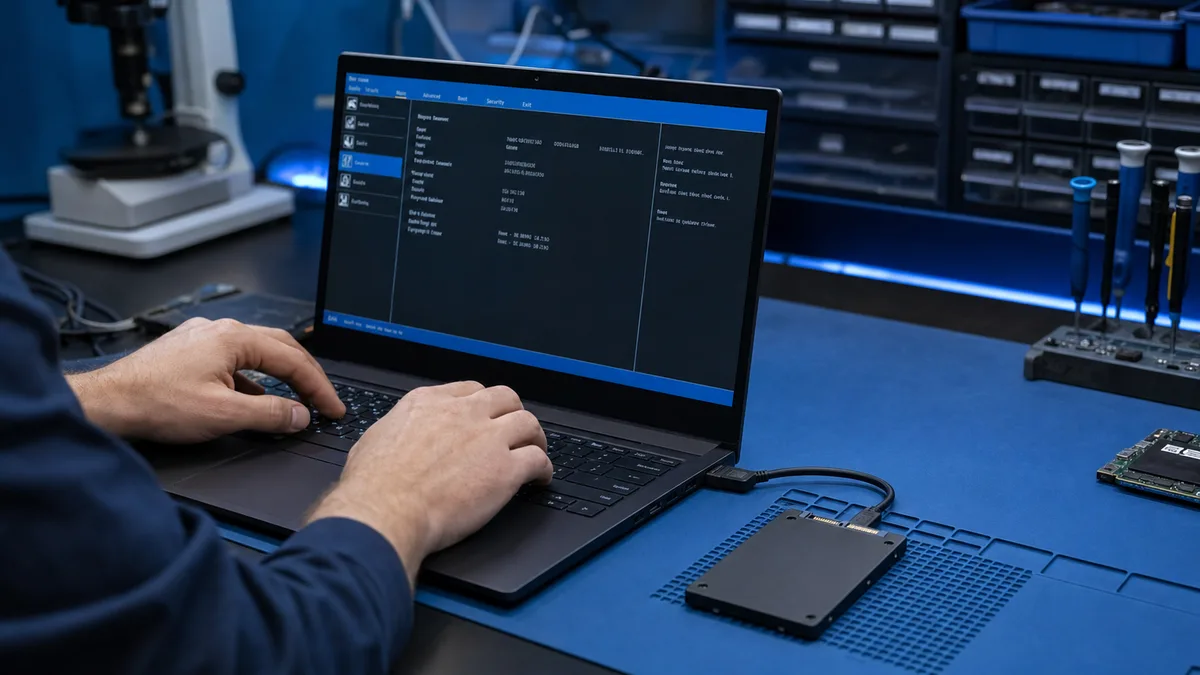
SSD appears in BIOS but not in Windows – safe checklist
An SSD visible in BIOS is detected at hardware level. Windows may still omit it from File Explorer because of a missing drive letter, partition, file...
Replacing a component is often the most cost-effective fix when a device slows down, the battery gives out, or a part fails. Below you'll find guides on the most common replacements — from power supplies to keyboards and cables.
An SSD visible in BIOS is detected at hardware level. Windows may still omit it from File Explorer because of a missing drive letter, partition, file...
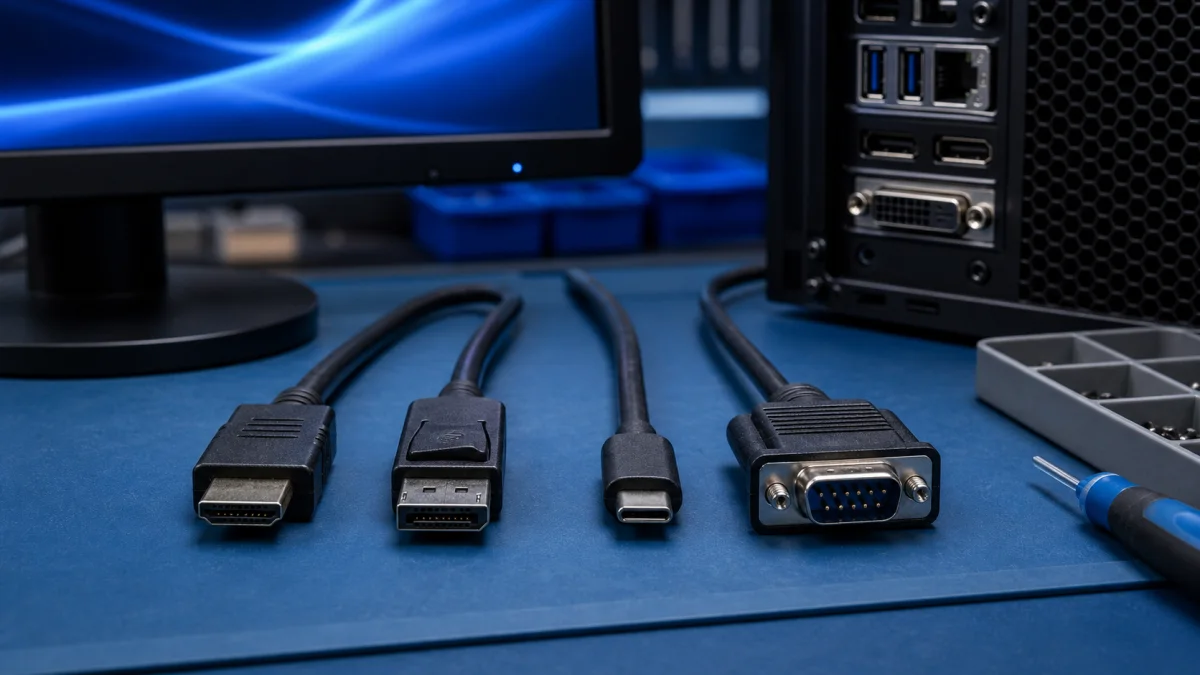
Right Cable for Computer and Monitor The right display cable depends on the ports in the computer, the monitor and the resolution or refresh rate you...
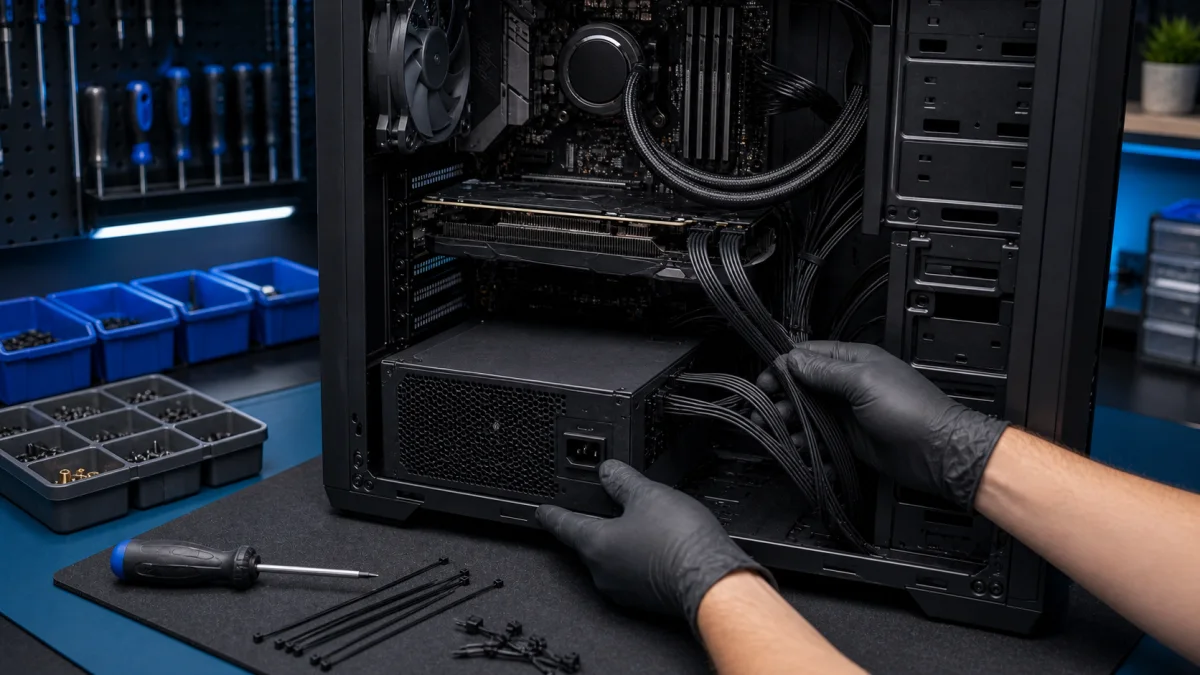
Desktop Power Supply Replacement A desktop power supply should be replaced carefully. A failing or low-quality PSU can cause random shutdowns, startup...
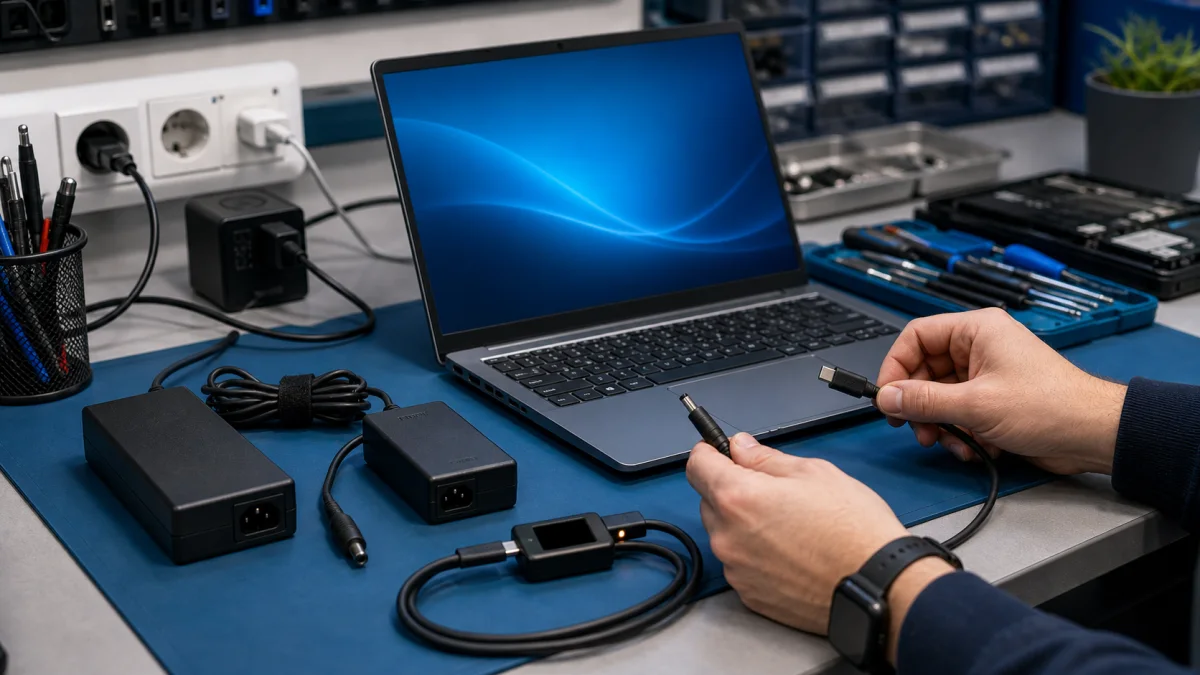
How to check a laptop charger Change the power outletPlug the charger into a different power outlet that is known to be working properly. If your laptop...
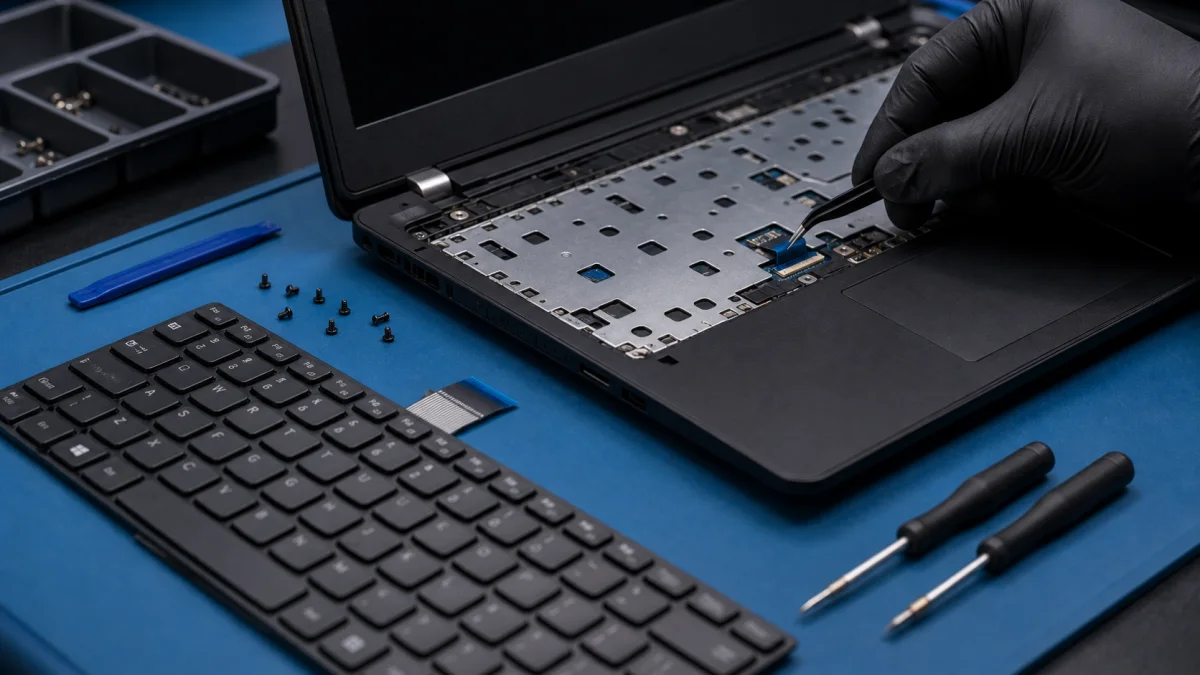
Replace Laptop Keyboard - Repair Help in Helsinki A laptop keyboard can fail because of liquid damage, worn keys, a damaged ribbon cable, dirt under the...
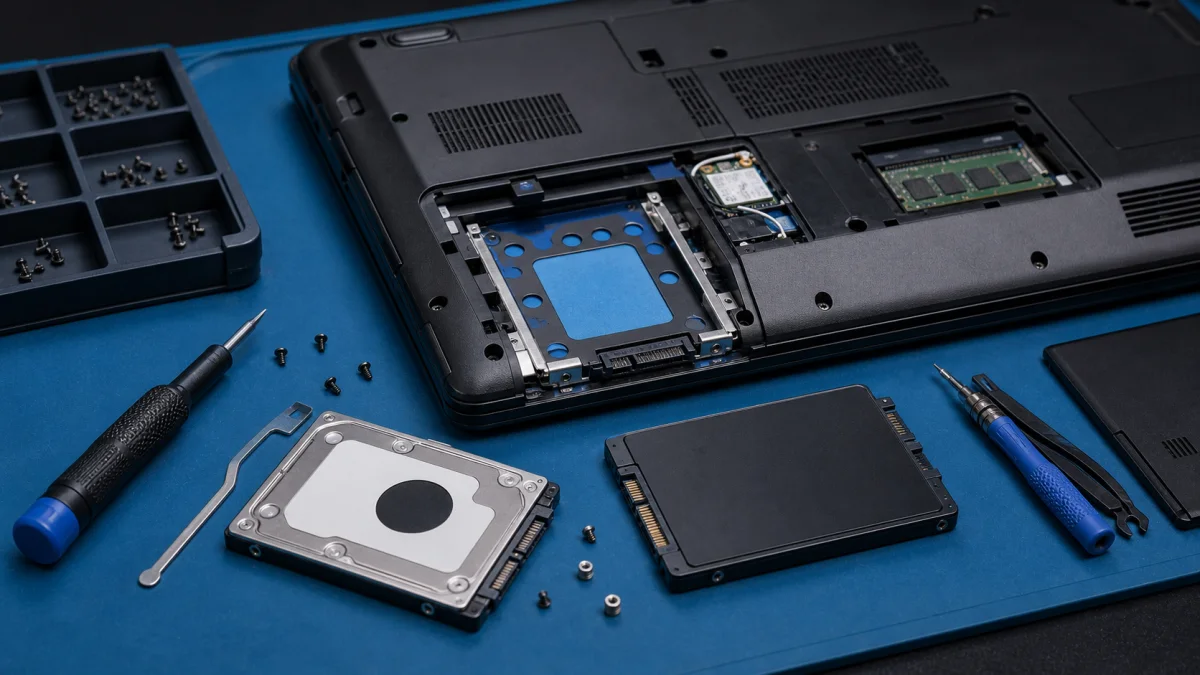
Replacing a Laptop Hard Drive or SSD Replacing a laptop hard drive is one of the most useful upgrades for an older computer, especially if the original...
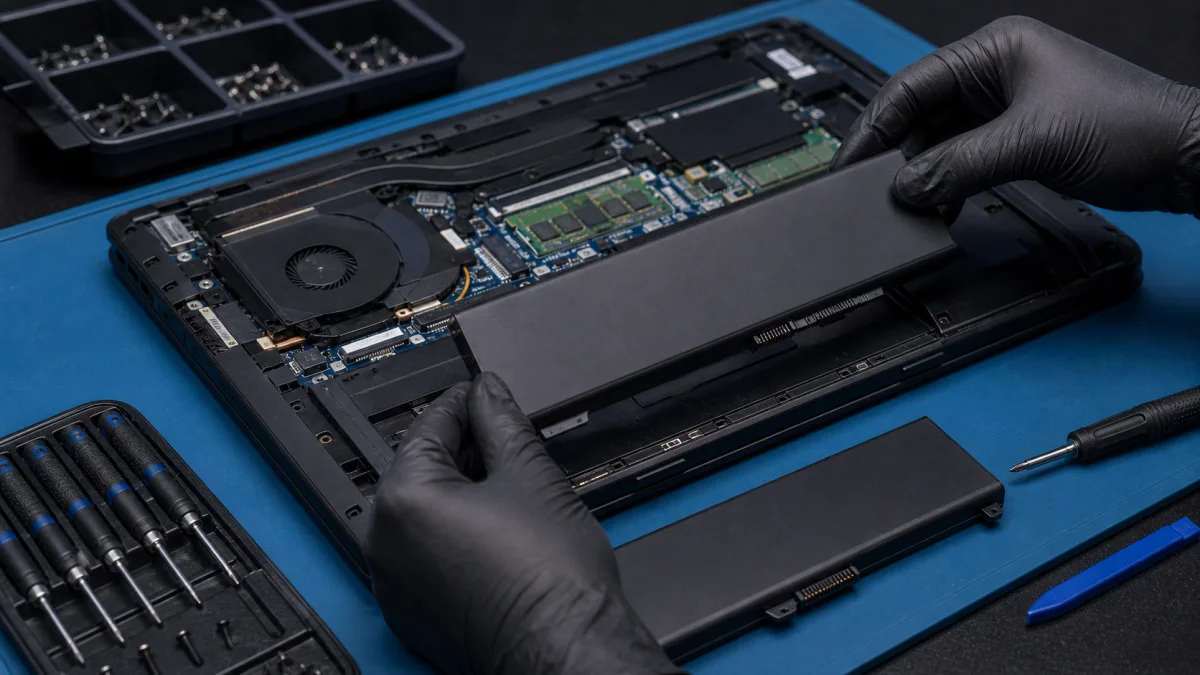
Is your laptop battery draining fast, not charging properly, or shutting down without warning? At Bitmaster PC Repair, we help customers in Punavuori,...
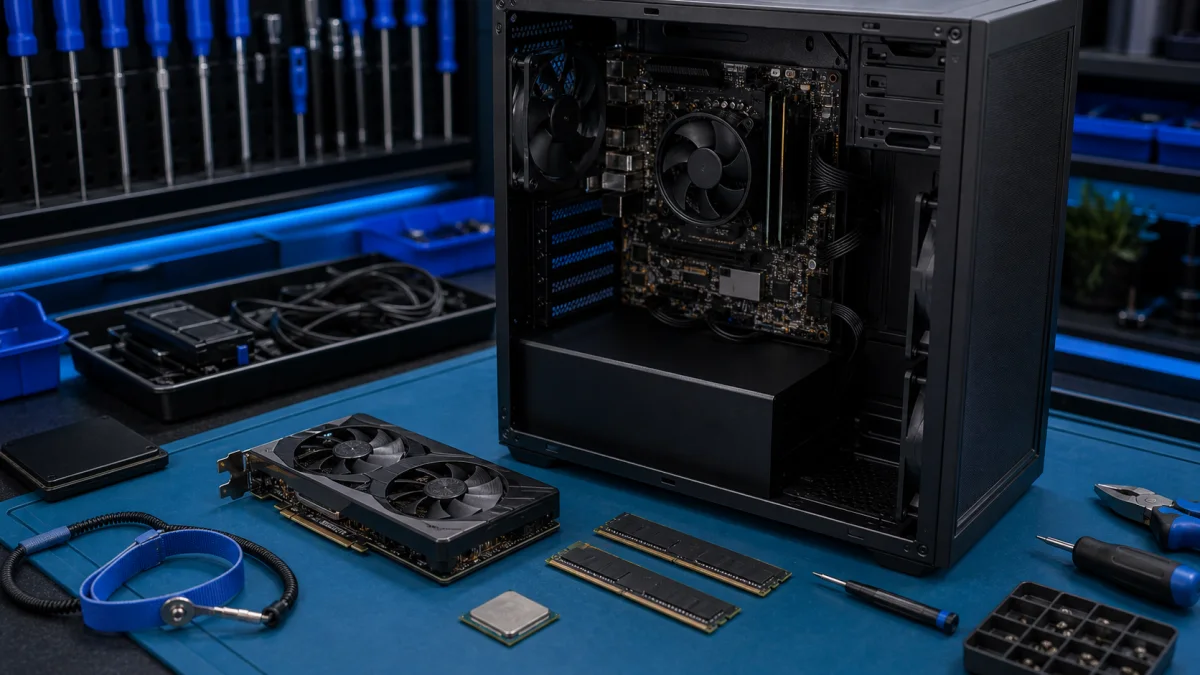
PC Upgrade Problems – Component Installation Help in Helsinki Installing a new PC component can look simple, but problems often start before the part is...