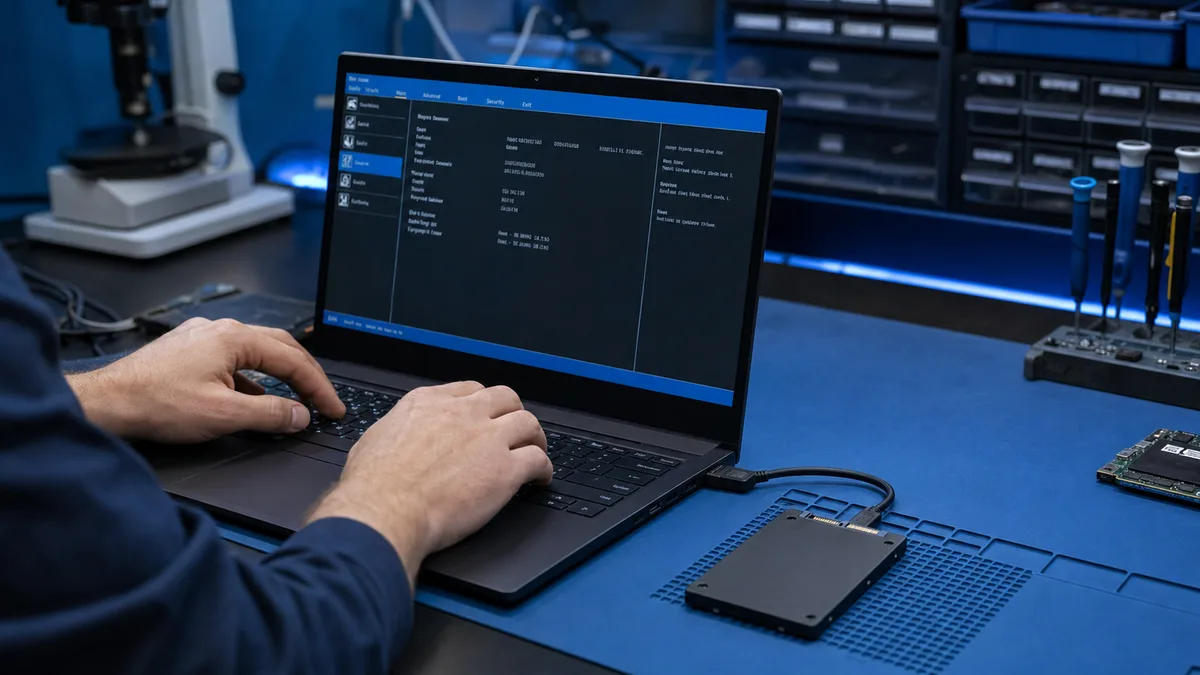
An SSD visible in BIOS is detected at hardware level. Windows may still omit it from File Explorer because of a missing drive letter, partition, file system, or driver.
Is the SSD visible in BIOS but missing from Windows?
Do not initialise or partition it if files should exist. Tell us the SSD model and what Disk Management shows.
Ask about SSD detection
Check Disk Management
If the correct capacity and a healthy partition appear, assigning a drive letter may be enough. If it is uninitialised, unallocated, or RAW, stop before changes when files should exist.
New or previously used SSD?
A new blank SSD normally needs initialising and partitioning. Do not treat a used drive as new simply because Windows does not display it.
Check the connection
- verify SATA or M.2 installation
- check whether the slot supports NVMe or SATA
- consider the manufacturer storage driver
- do not randomly change the BIOS storage mode
When is data at risk?
If the SSD disappeared during use, reports the wrong capacity, or stalls when read, do not create a partition. TRIM and new writes can reduce recovery chances.
What Bitmaster checks
We assess compatibility, connections, detection, and the file system. The solution may be a driver, drive letter, replacement, or data recovery.
Do not initialise a BIOS-visible SSD until its history is clear
If files should exist, we check compatibility and readability before partitioning. A genuinely new blank SSD can then be installed and configured correctly.
Bring the SSD for a detection test
NVMe and SATA M.2 drives may look alike
M.2 describes the physical form, not necessarily the electrical interface. A laptop slot may support only NVMe or SATA even when another drive fits the connector and screw position. The wrong type may not be detected consistently.
Cloning can create drive-letter and boot conflicts
After cloning, Windows may see duplicate partition identifiers or boot from the wrong device. Do not erase the original until the new SSD starts independently and the files have been verified.