09-174 746

Components

Computer components decide what a machine can do and whether it is still worth upgrading. Memory, storage, power supply, graphics card and motherboard all affect the whole system.

Below you will find articles about choosing parts, replacing components and finding hardware faults. If you do not know which part is slowing the computer down, start here.

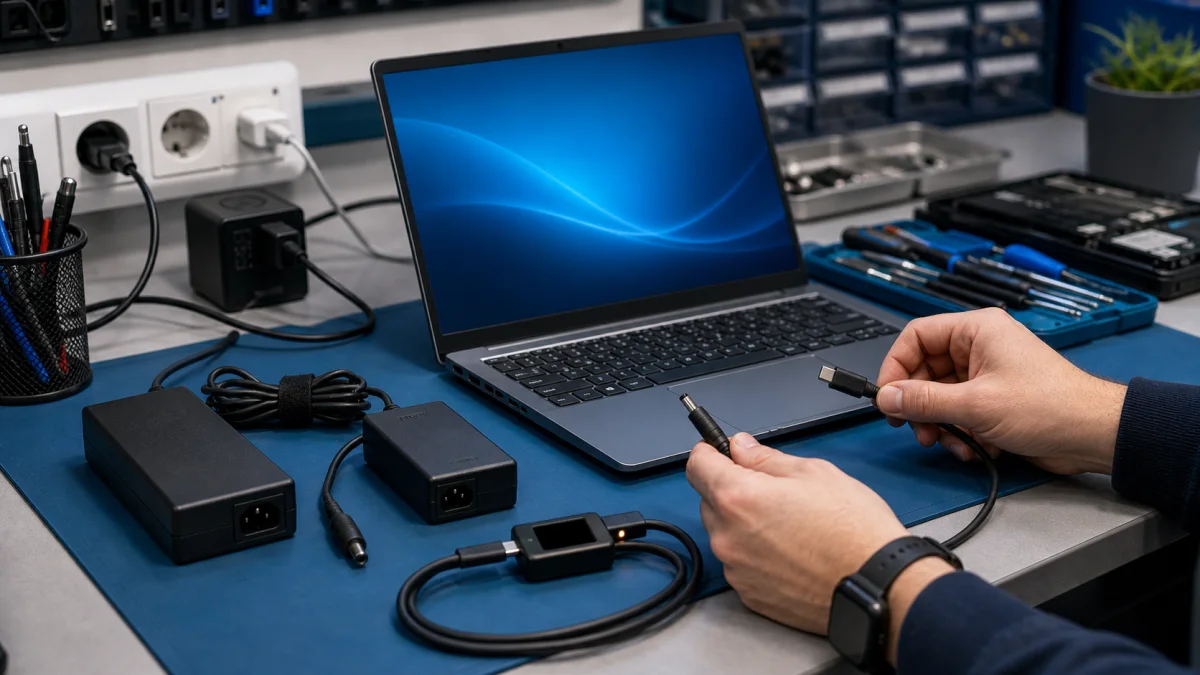
Laptop charger and USB-C power adapter compatibility check on a repair bench

Charger Not Working

Here are the steps to determine if your laptop charger is broken or functional: Change the power outlet: Plug the charger into a different power outlet that is known to be working properly. If your laptop charges when connected to a different outlet, the issue is likely not with your computer or cha...
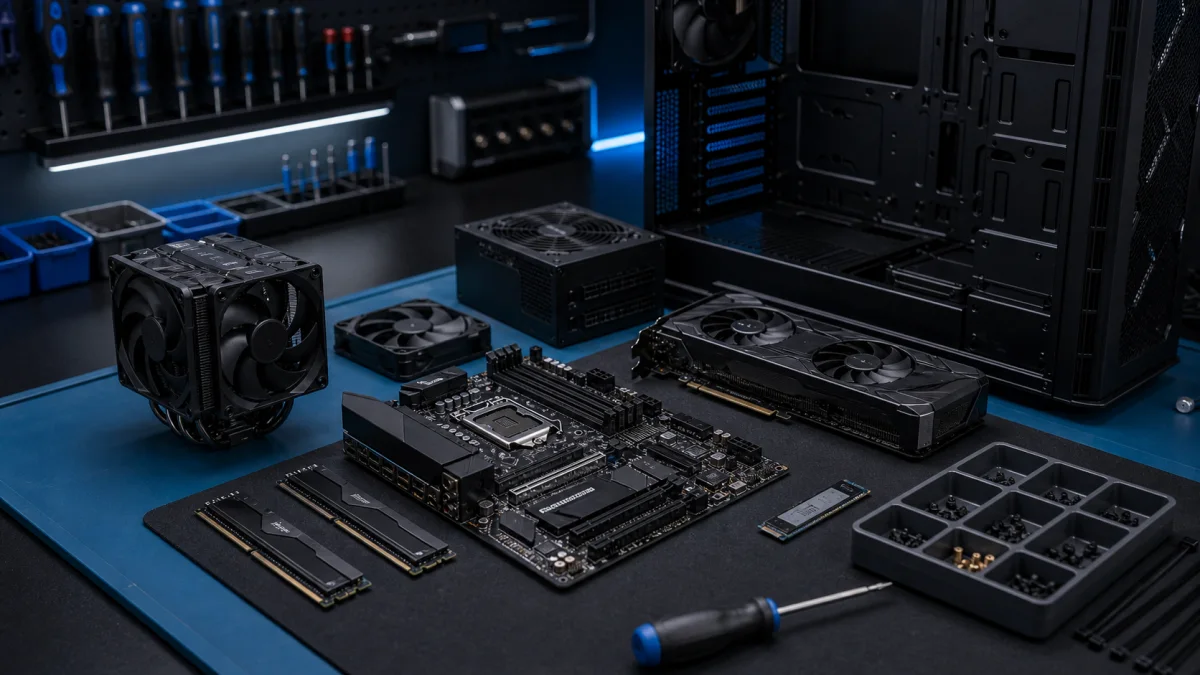
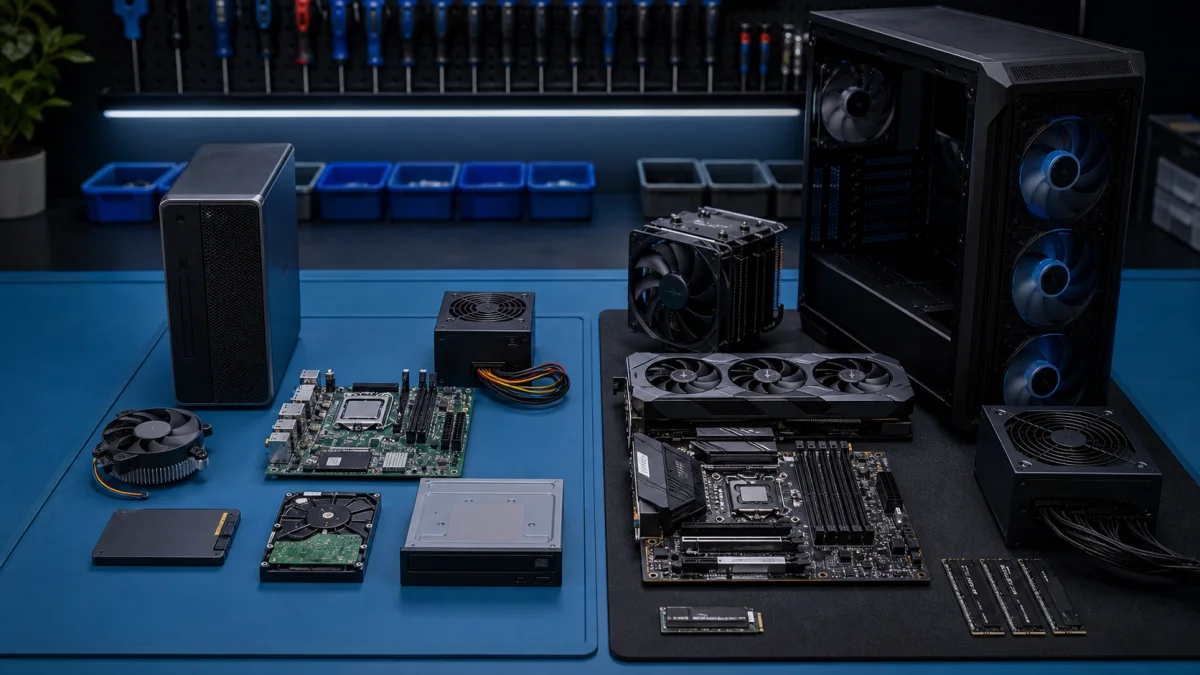
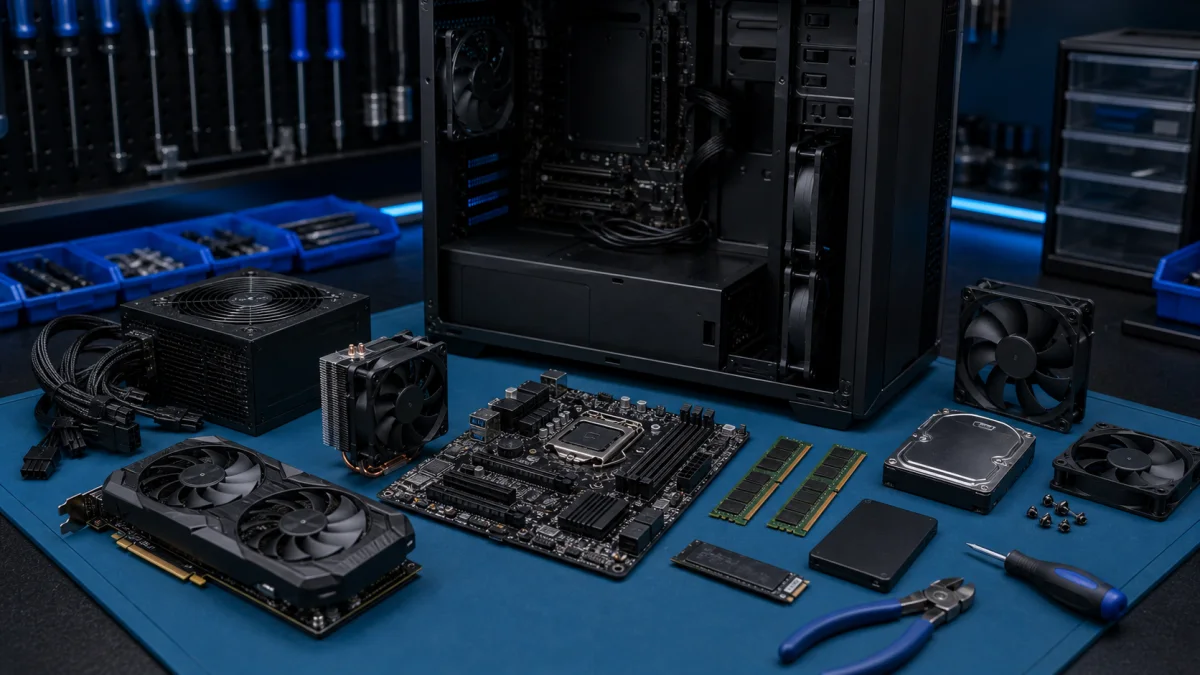
Computer components selected for a custom PC build

Choosing and Assembling Computer Components

When it comes to selecting computer components, there are several important factors to consider. Here are a few guiding factors:Need help choosing compatible components?Tell us what the computer will be used for and your approximate budget. We can check the component list before you order.Ask about...

Office PC and gaming PC component comparison on a repair bench

Choosing Between Office PCs and Gaming PCs: A Comprehensive Guide

Office PCs vs. Gaming PCs: How to Choose the Best One for You Understanding the differences between gaming PCs and office PCs will help you select the best computer for your needs. Office PCs are better suited for simple office chores like word processing and emailing, whereas gaming PCs are built t...

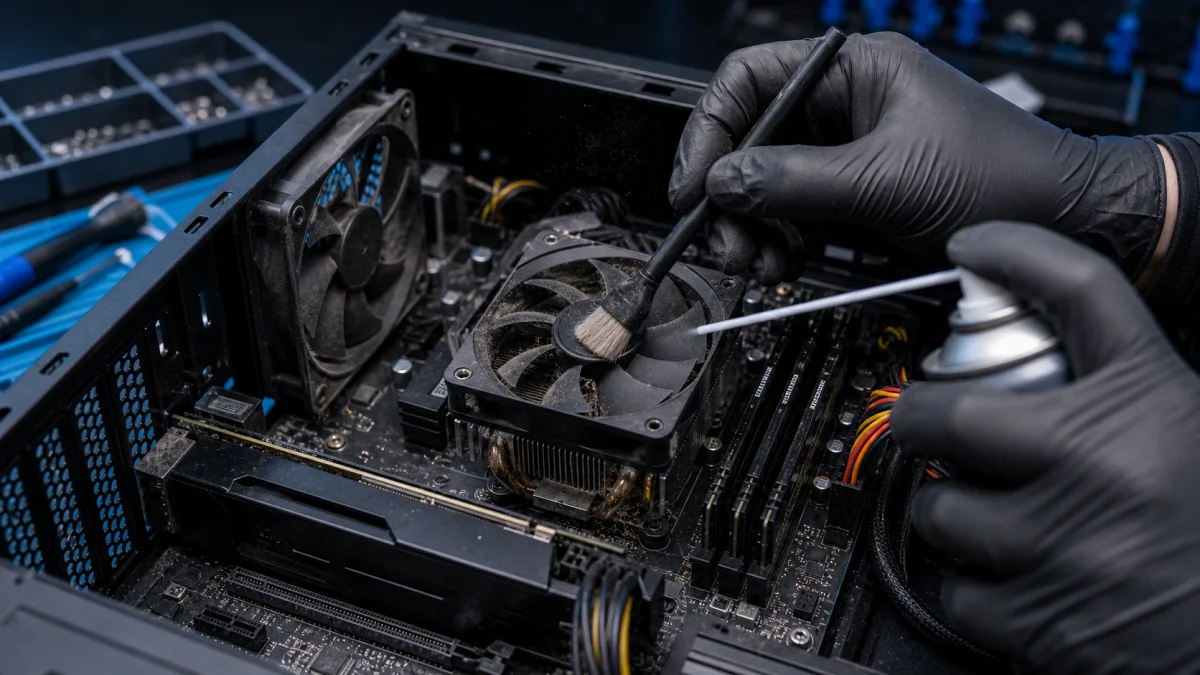
Dust being cleaned from a desktop computer fan and heatsink

Cleaning your computer from dust

Professional Computer and Laptop Dust Cleaning Service – Helsinki Keeping your computer free from dust is essential for maintaining performance, preventing overheating, and extending the lifespan of components. At Bitmaster Helsinki, we provide professional laptop cleaning services and PC dust clean...

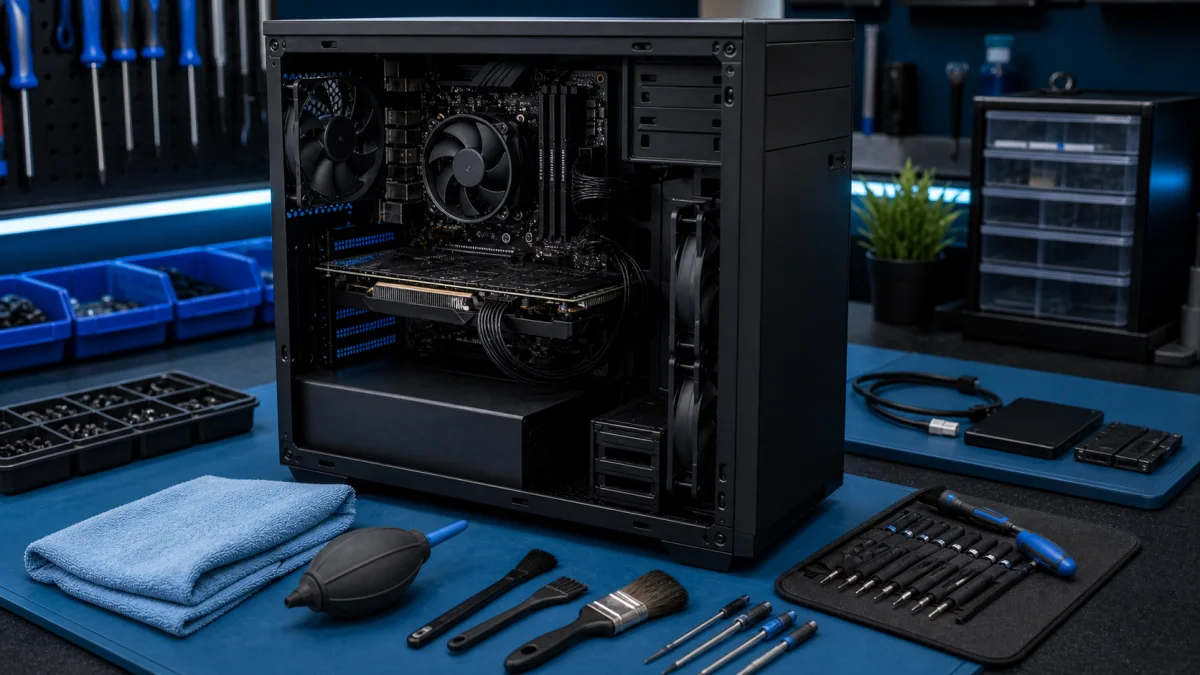
Technician maintenance checklist beside an opened desktop computer

Computer maintenance

Computer Maintenance - Keep Your PC Reliable Computer maintenance is not only dust cleaning or deleting temporary files. Good maintenance keeps the device reliable, cooler and easier to repair before a small issue becomes data loss or an expensive hardware failure. At Bitmaster in Helsinki, we maint...

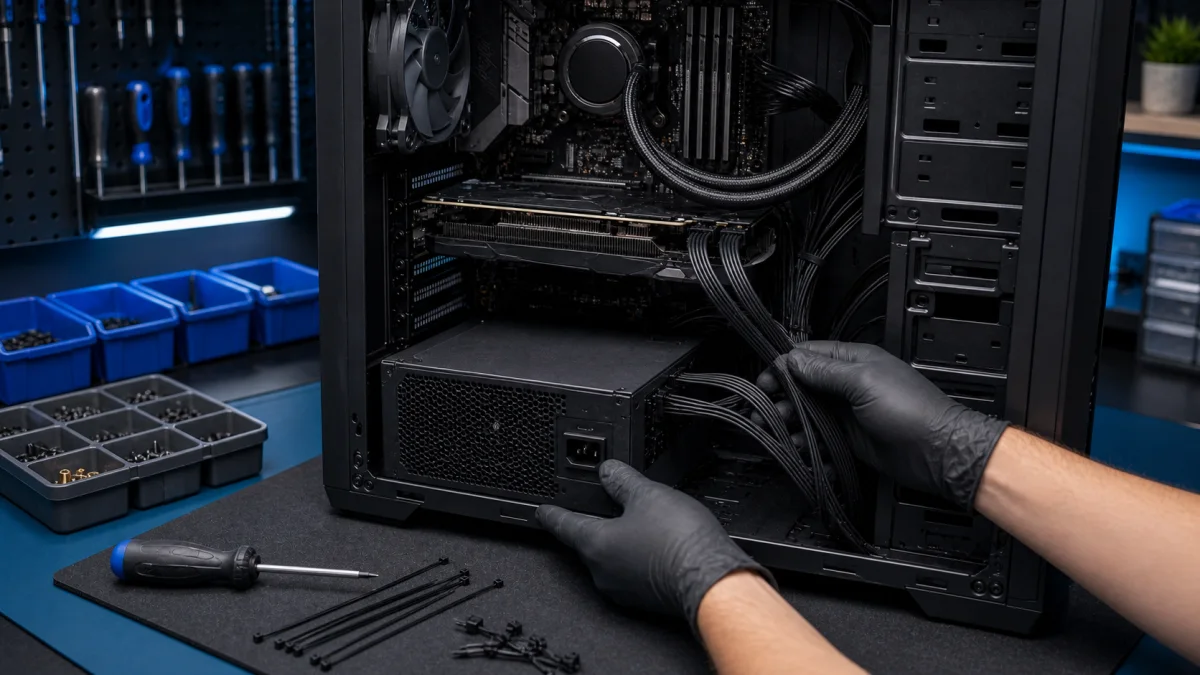
Desktop power supply installation with cable routing

Desktop power supply replacement

Desktop Power Supply Replacement A desktop power supply should be replaced carefully. A failing or low-quality PSU can cause random shutdowns, startup problems, burning smells, unstable graphics card behaviour or damage to other components. At Bitmaster in Helsinki, we replace desktop power supplies...

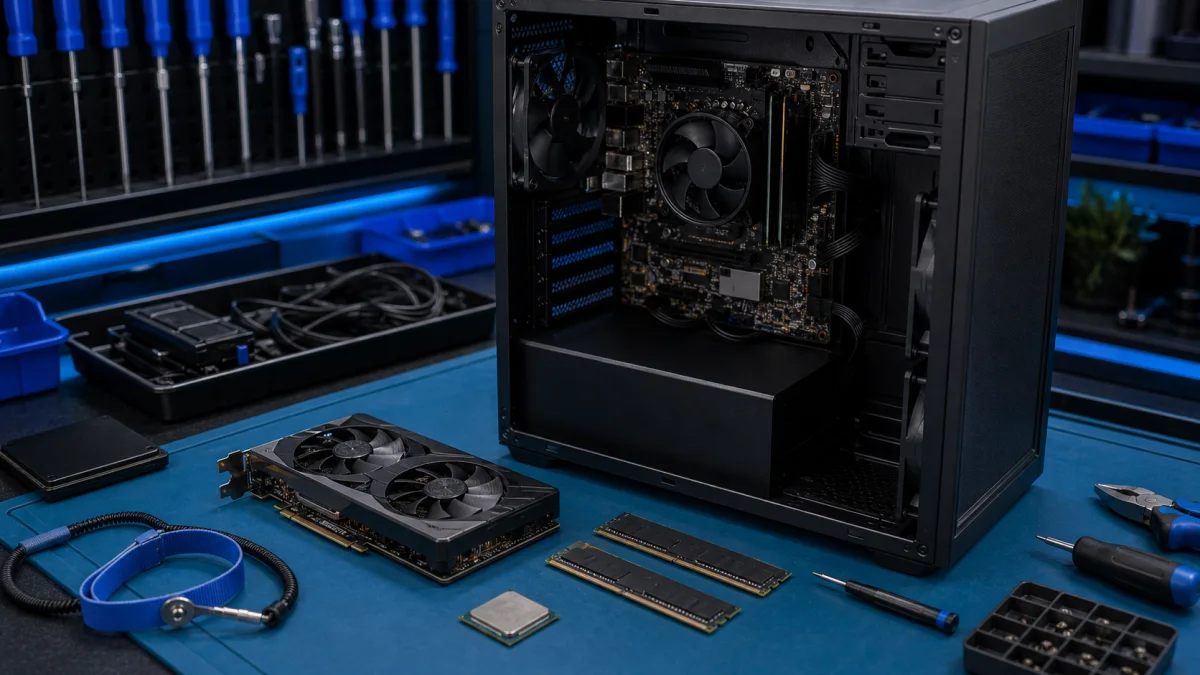
PC component installation on an anti-static repair bench

How to Install PC Components

PC Upgrade Problems – Component Installation Help in Helsinki Installing a new PC component can look simple, but problems often start before the part is even fitted. The component may not be compatible, the power supply may be too weak, the case may be too small or the BIOS may not recognise the upg...

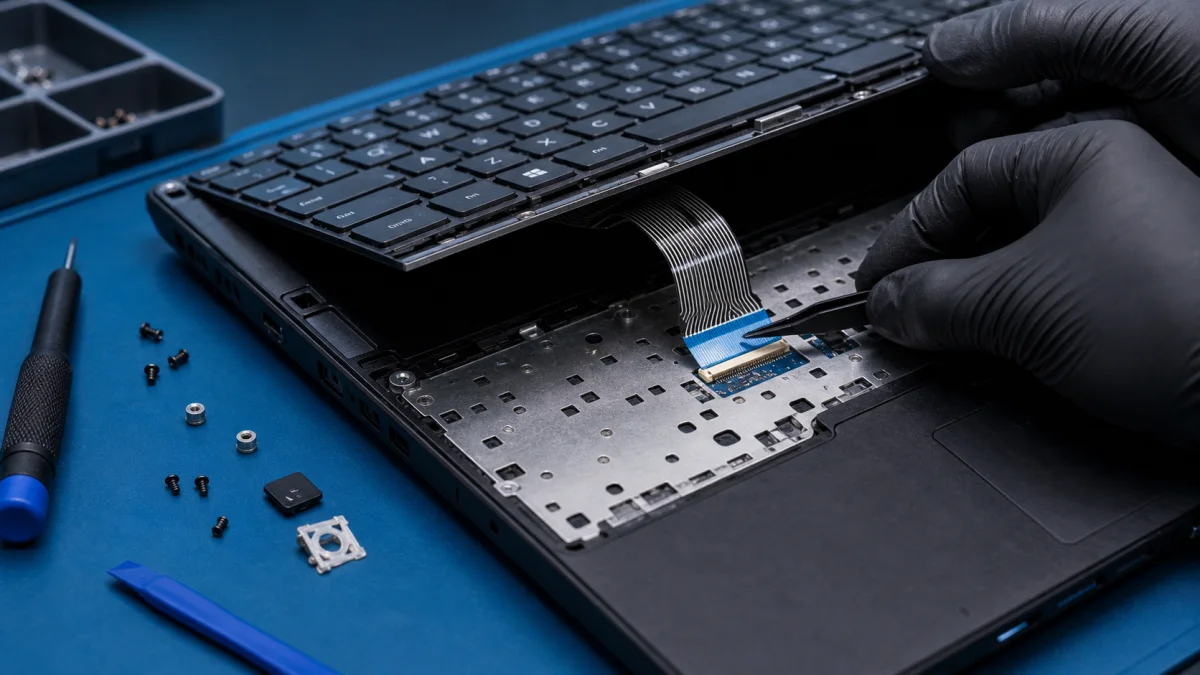
Laptop keyboard replacement and connection check

Keyboard not working

Here are some possible reasons why a keyboard may not be working and some suggestions for what to do: Loose connection: Check to make sure that the keyboard is properly connected to the computer or device it's supposed to be working with. If it's a wired keyboard, make sure the USB cable is securely...

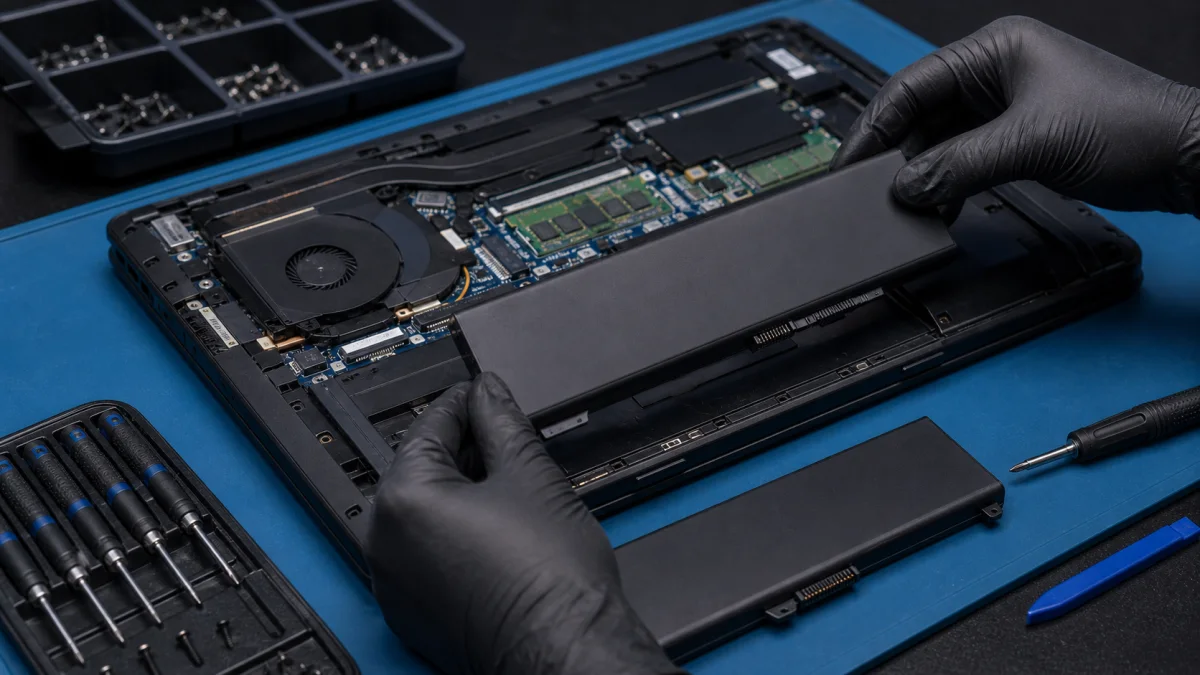
Laptop battery replacement with model-specific battery check

Laptop Battery Replacement in Helsinki

Is your laptop battery draining fast, not charging properly, or shutting down without warning? At Bitmaster PC Repair, we help customers in Punavuori, Helsinki determine whether a laptop battery replacement is the right solution — and if so, what battery is actually needed. We do not keep laptop bat...

Desktop computer parts arranged for diagnosis and upgrade planning

Parts Of A Computer And Their Functions

Parts of a Computer – Diagnosis and Upgrade Help in Helsinki A desktop computer is built from several parts that all need to work together. When the computer becomes slow, crashes, does not start or needs an upgrade, the real question is usually not “which part is best” but which part is causing the...

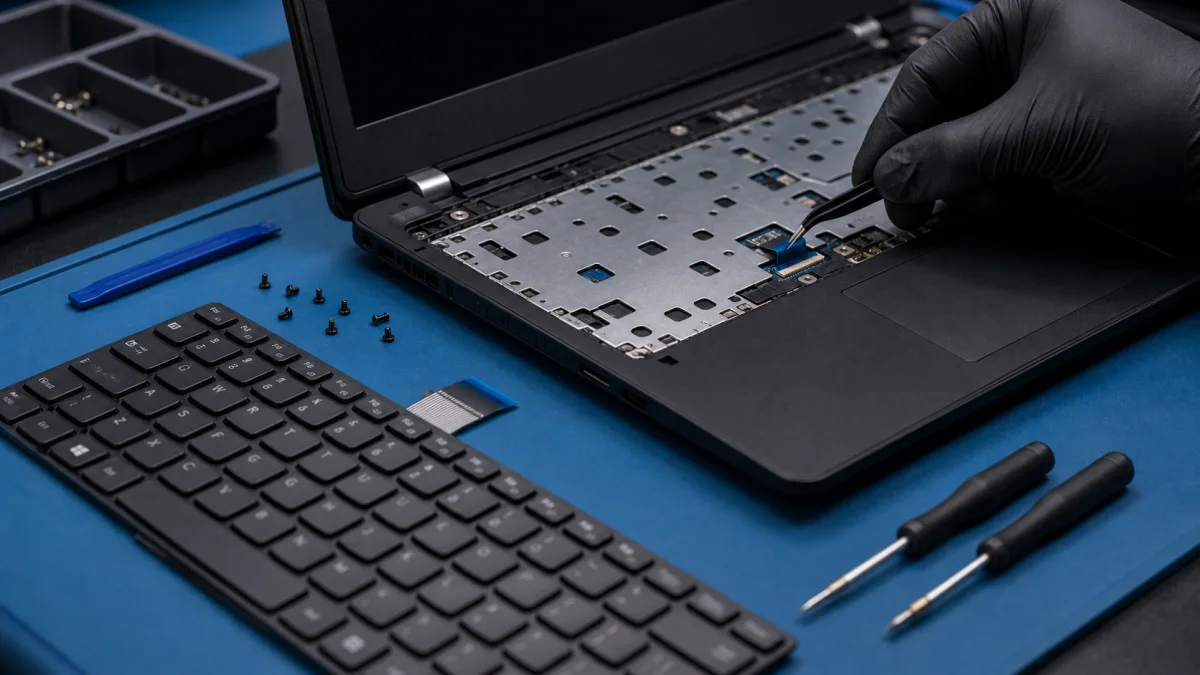
Replacement laptop keyboard aligned before installation

Replace laptop keyboard

Replace Laptop Keyboard - Repair Help in Helsinki A laptop keyboard can fail because of liquid damage, worn keys, a damaged ribbon cable, dirt under the keys or a fault on the motherboard. Before ordering a replacement keyboard, it is worth checking whether the keyboard itself is the real problem. B...

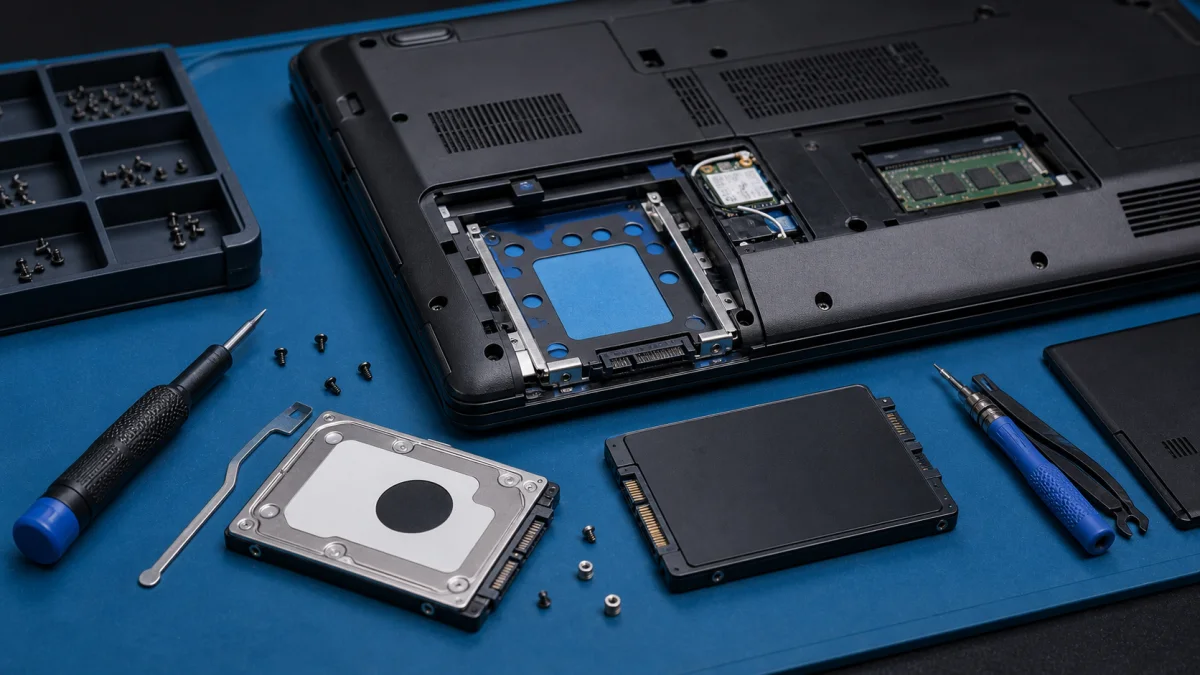
Laptop hard drive replacement with SSD upgrade

Replacing a laptop hard drive or SSD

Replacing a Laptop Hard Drive or SSD Replacing a laptop hard drive is one of the most useful upgrades for an older computer, especially if the original drive is a slow mechanical HDD. In many cases, replacing the drive with an SSD makes the laptop noticeably faster and more reliable. At Bitmaster in...

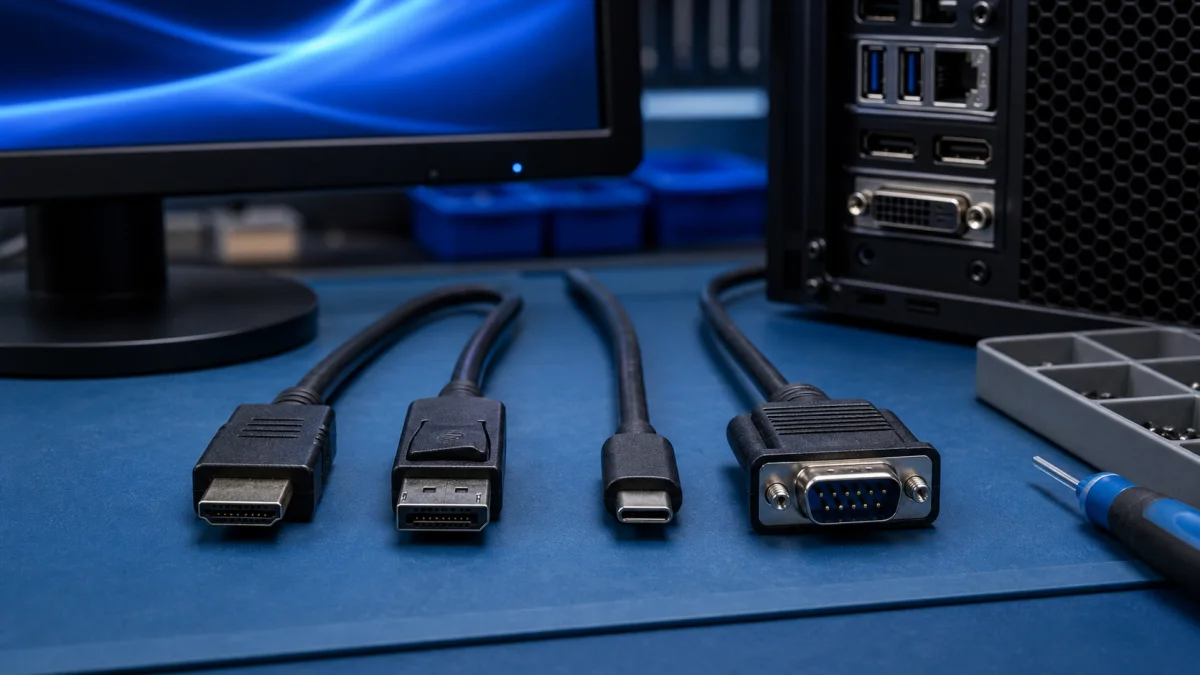
Computer display cables compared for correct connection

Right cable for computer and monitor

Right Cable for Computer and Monitor The right display cable depends on the ports in the computer, the monitor and the resolution or refresh rate you want to use. HDMI, DisplayPort, USB-C, DVI and VGA may look like small details, but the wrong cable can limit image quality or prevent the monitor fro...

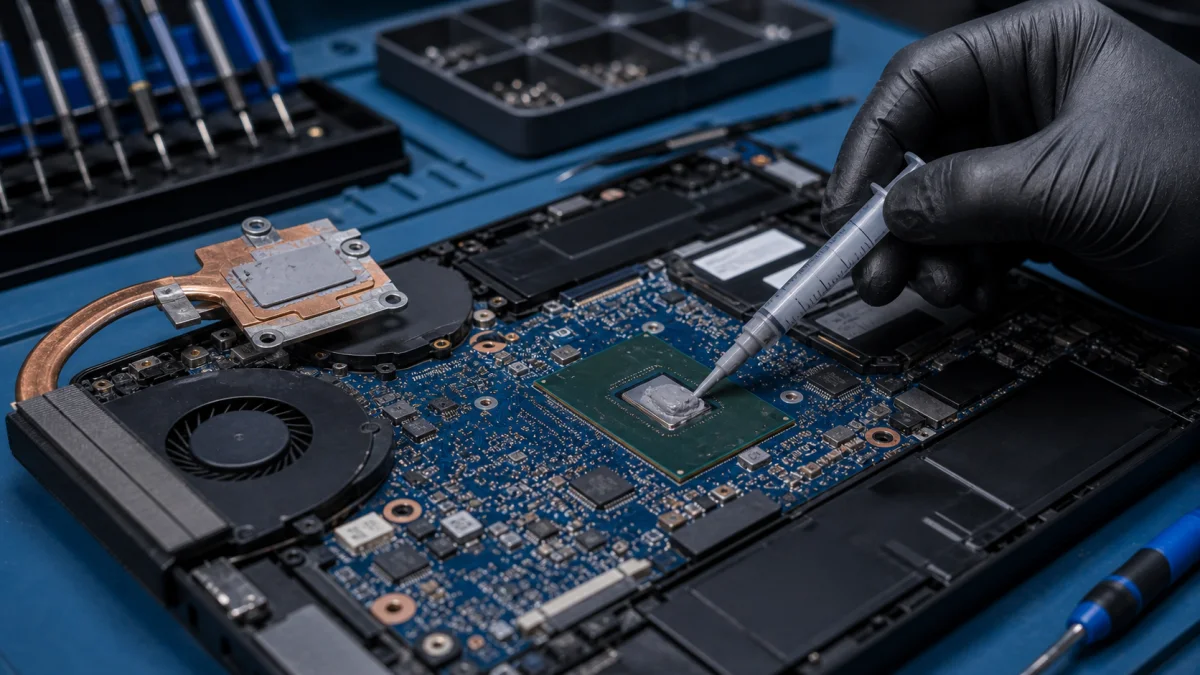
Fresh thermal paste applied to a laptop processor during service

Thermal paste replacement

Computer processor thermal pastes are usually replaced for two main reasons: Improved heat conductivity: The processor thermal paste is a substance that is applied between the processor and the cooling system. Its purpose is to enhance heat conductivity. Over time, the thermal paste can dry out, har...