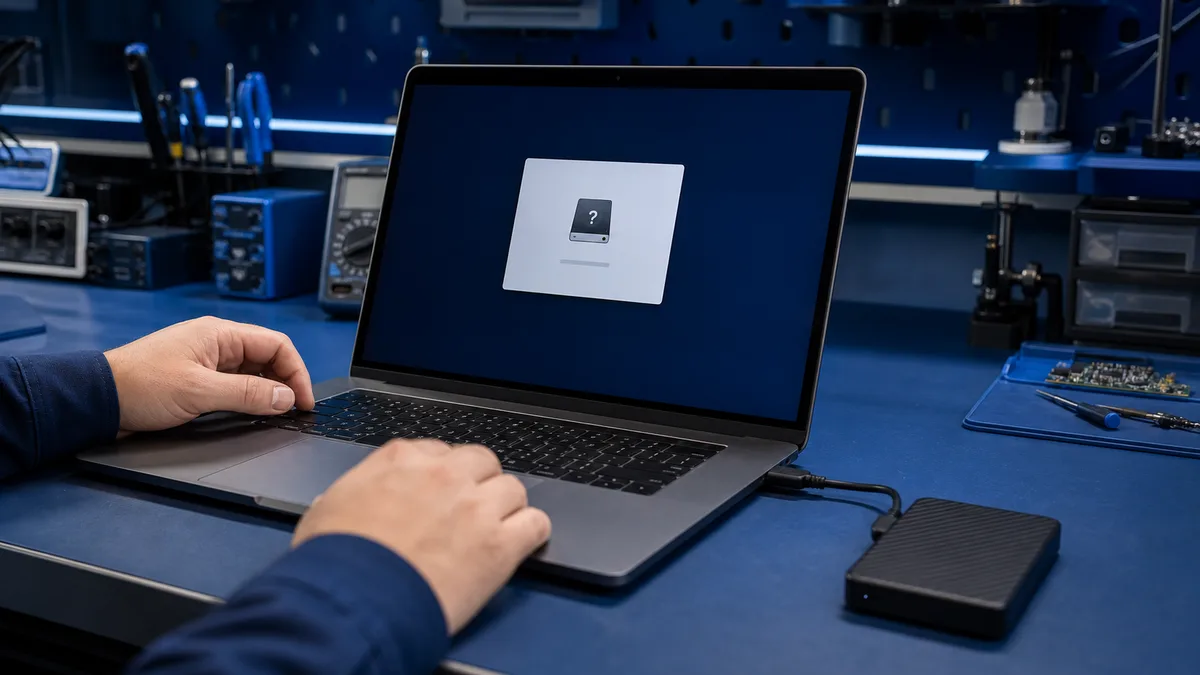
External drive asks to be formatted – what should you do?
A format prompt does not necessarily mean the drive is empty. Windows may detect the device but not its file system. If the files matter, do not format...
Data management and security come down to three practical things: backing up your files, encrypting sensitive data, and knowing how to unlock your drive when needed. Below you'll find guides on all three — from file backup to recovering a BitLocker key and understanding data encryption.
A format prompt does not necessarily mean the drive is empty. Windows may detect the device but not its file system. If the files matter, do not format...
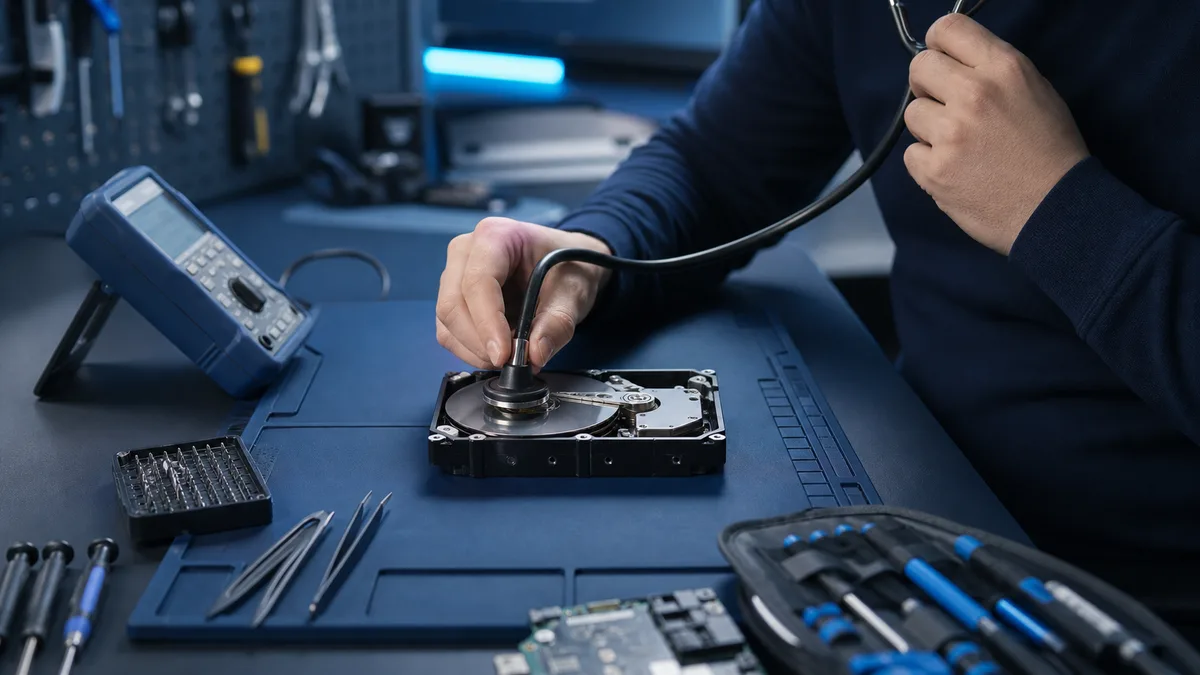
New repetitive clicking, scraping, or repeated spin-up attempts can indicate mechanical failure. If the data matters, shutting down is usually safer than...
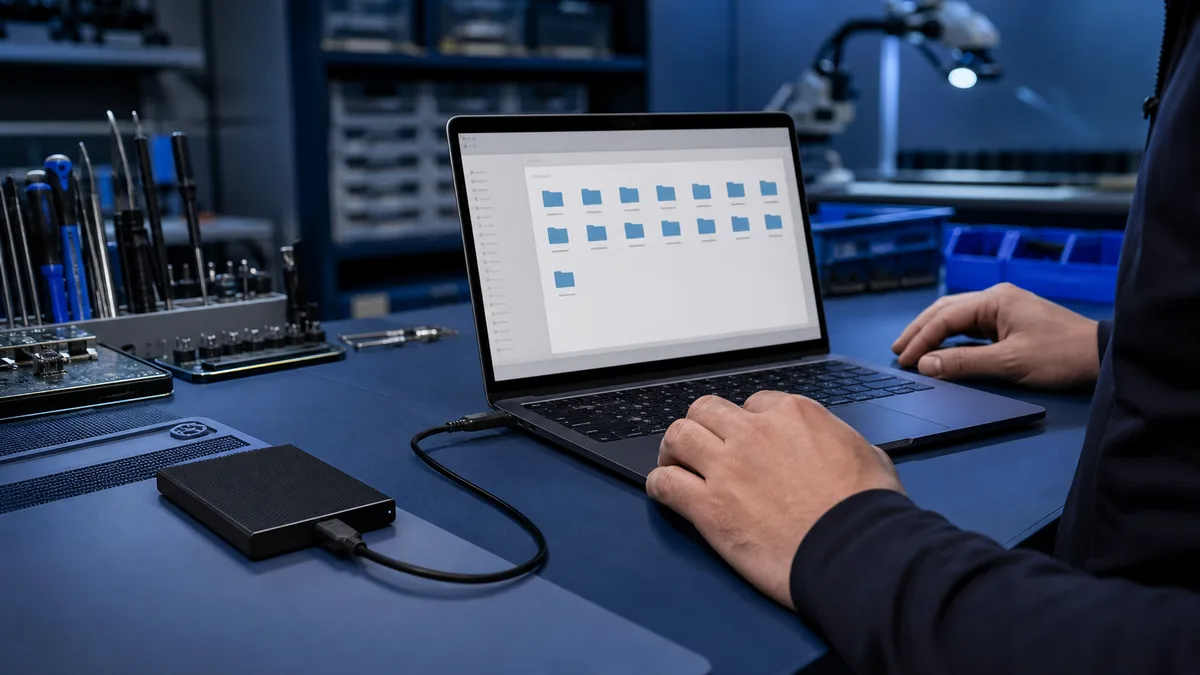
The existence of a backup does not prove that files are complete and restorable. A useful test opens selected files from the backup without relying on...
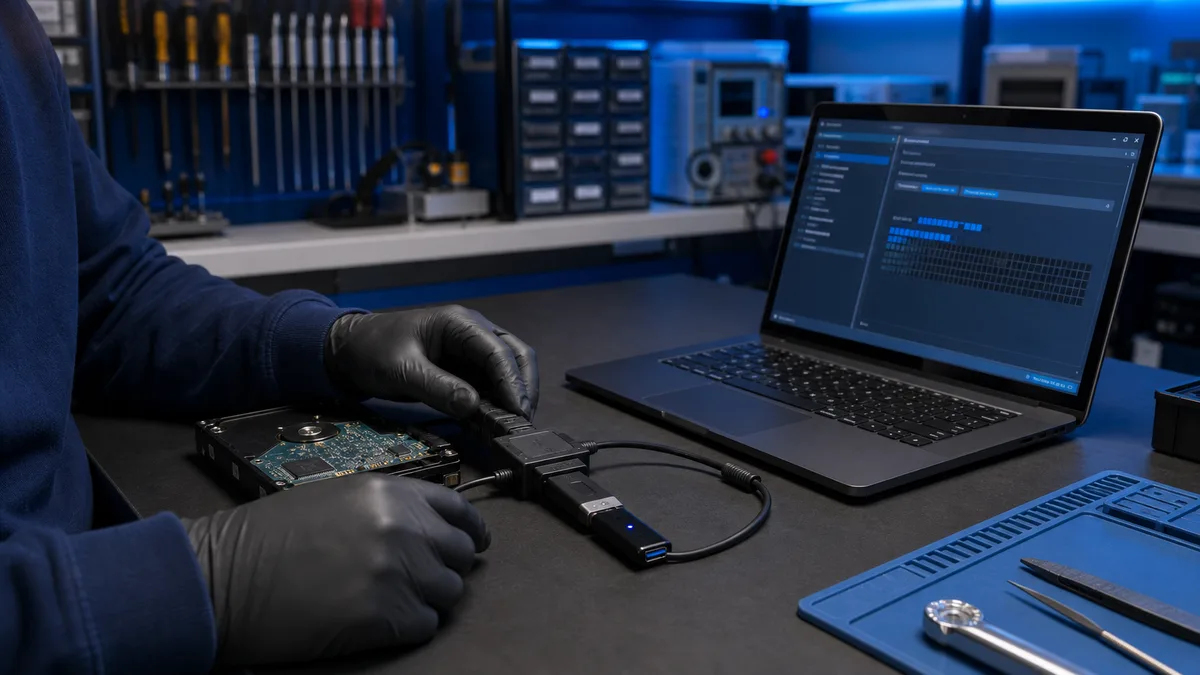
An invisible USB drive may have a port, drive-letter, file-system, or flash-controller fault. The importance of the files determines how far DIY testing...
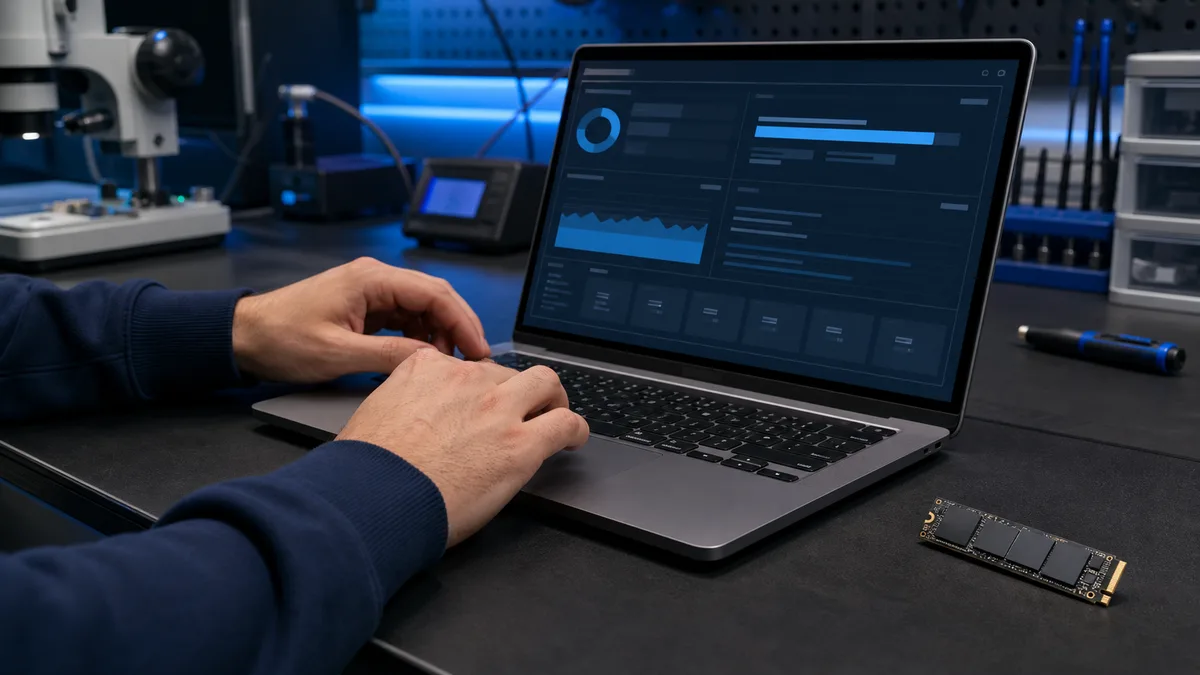
Drive health data can reveal wear, errors, and temperature problems before an obvious failure. It cannot promise that an SSD or hard drive will work...
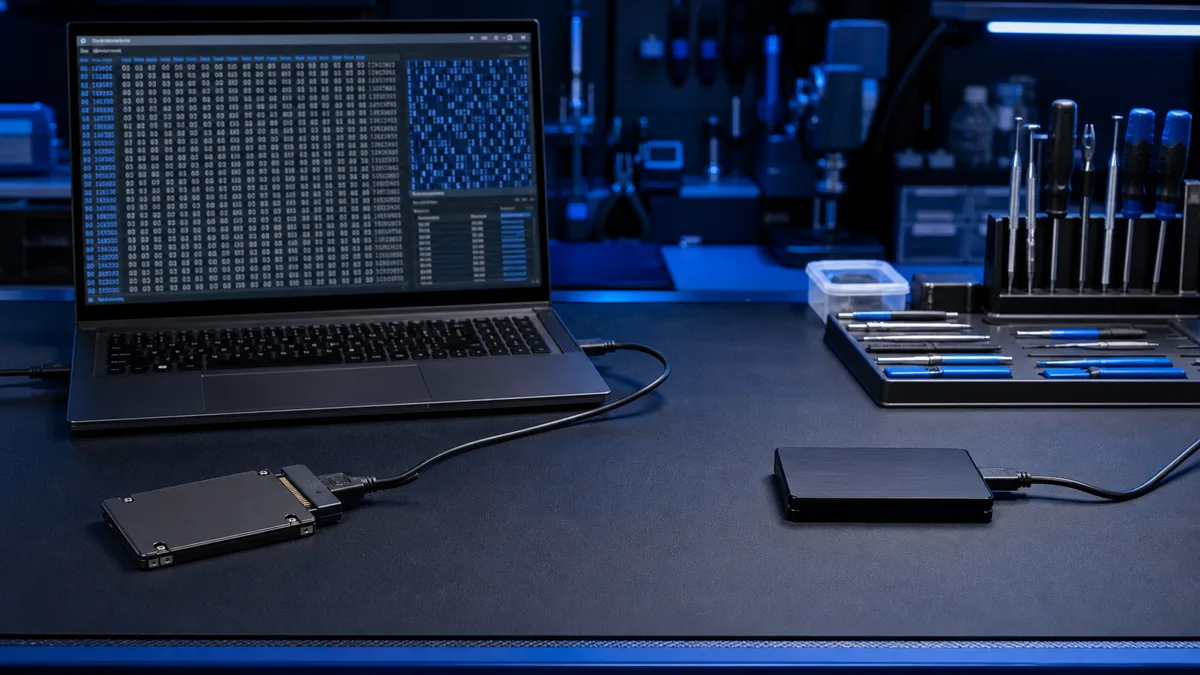
After a file is deleted, its contents may remain on the drive even though Windows marks the space as free. Every new write can overwrite recoverable...
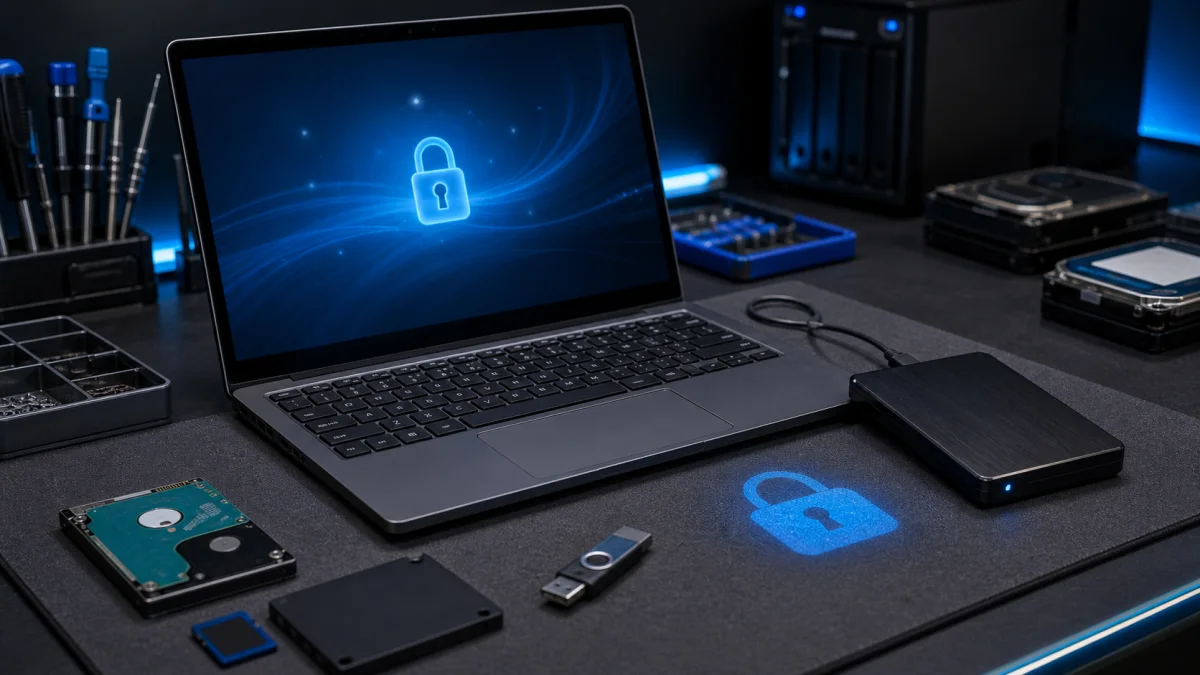
Encrypting files and folders in Windows is one of the most effective ways to protect sensitive data from unauthorised access. Whether you are securing...
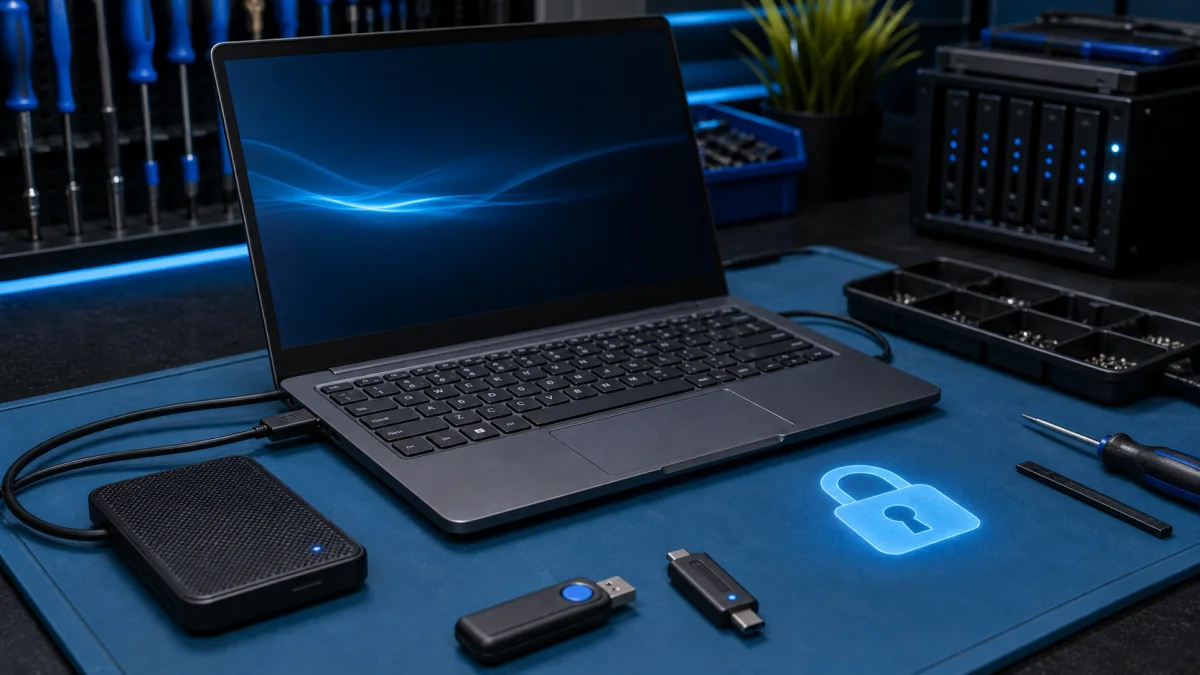
BitLocker is a full-disk encryption feature that is built into Windows 10 and Windows 11. It helps to protect your data by encrypting all of the data on...

Backup and Restore Files - Practical Help in Helsinki A reliable backup is the difference between a small computer problem and a real data loss case. If...