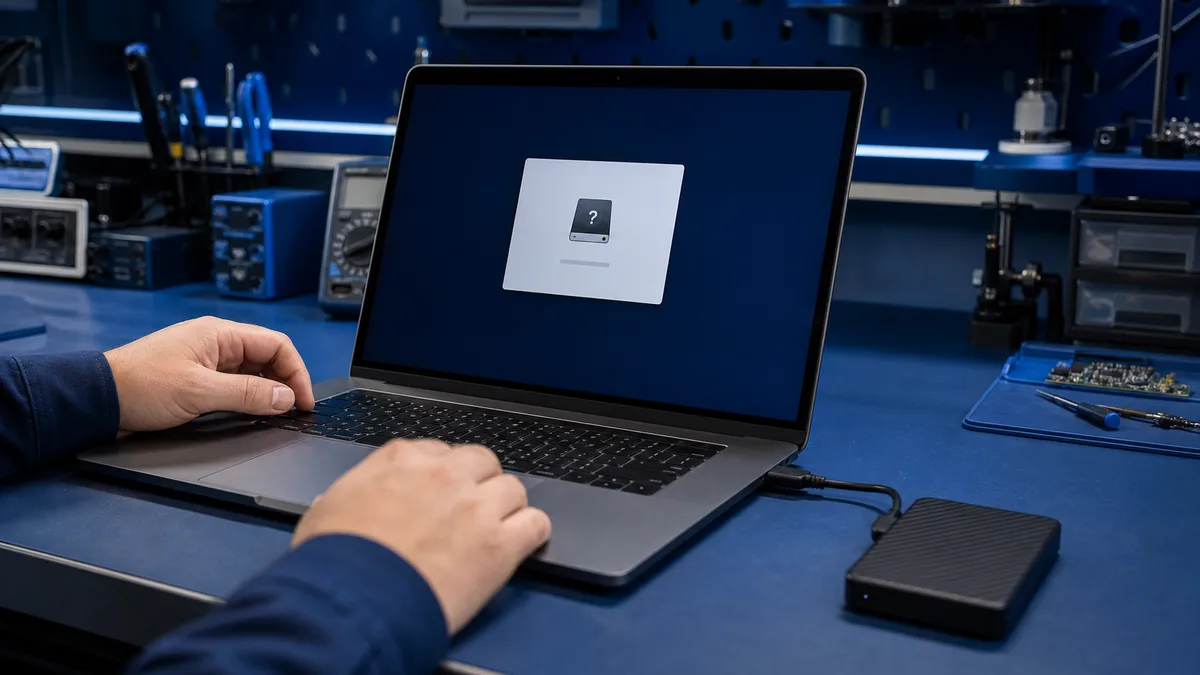
A format prompt does not necessarily mean the drive is empty. Windows may detect the device but not its file system. If the files matter, do not format it or approve an automatic repair.
Does the external drive contain important files?
Do not approve formatting. Tell us the drive model, what Windows shows, and whether another copy exists.
Ask before formatting
Why does Windows suggest formatting?
The file system may be damaged, the USB connection unstable, the enclosure faulty, the drive partially failed, or the format may be unfamiliar to Windows. Formatting creates a new file system; it does not repair the original files.
Safe first checks
- Disconnect safely and try another USB port.
- Try a known-good cable.
- Check whether Disk Management shows the correct capacity.
- Do not create a partition or modify a RAW drive.
When should you stop?
Stop if the drive disconnects, clicks, freezes File Explorer, or shows the wrong capacity. Repeated connection attempts and long scans may stress a failing drive.
Repair or data recovery?
If another copy exists, the drive can later be tested and reformatted. With unique files, the first goal is to read or image the drive with as little additional activity as possible.
What Bitmaster checks
We assess the cable, enclosure, device detection, and readability. We explain whether files can be copied, software recovery is suitable, or physical damage requires a specialist laboratory.
Decide about formatting only after assessing the files
If the data matters or the drive is unstable, bring the drive, cable, and power supply for inspection. We will assess copying, recovery, or replacement.
Bring the drive for assessment
A change made after the prompt can complicate recovery
Formatting, assigning a drive letter, and repairing a file system are different operations. Formatting writes new structures, while a repair scan may alter damaged metadata. First decide whether recovering the files is more important than returning the drive to service quickly.
What should you bring for assessment?
Bring the original USB cable and power supply. Tell us whether the drive was used with Windows, macOS, a television, or network storage, and whether it was disconnected during writing.