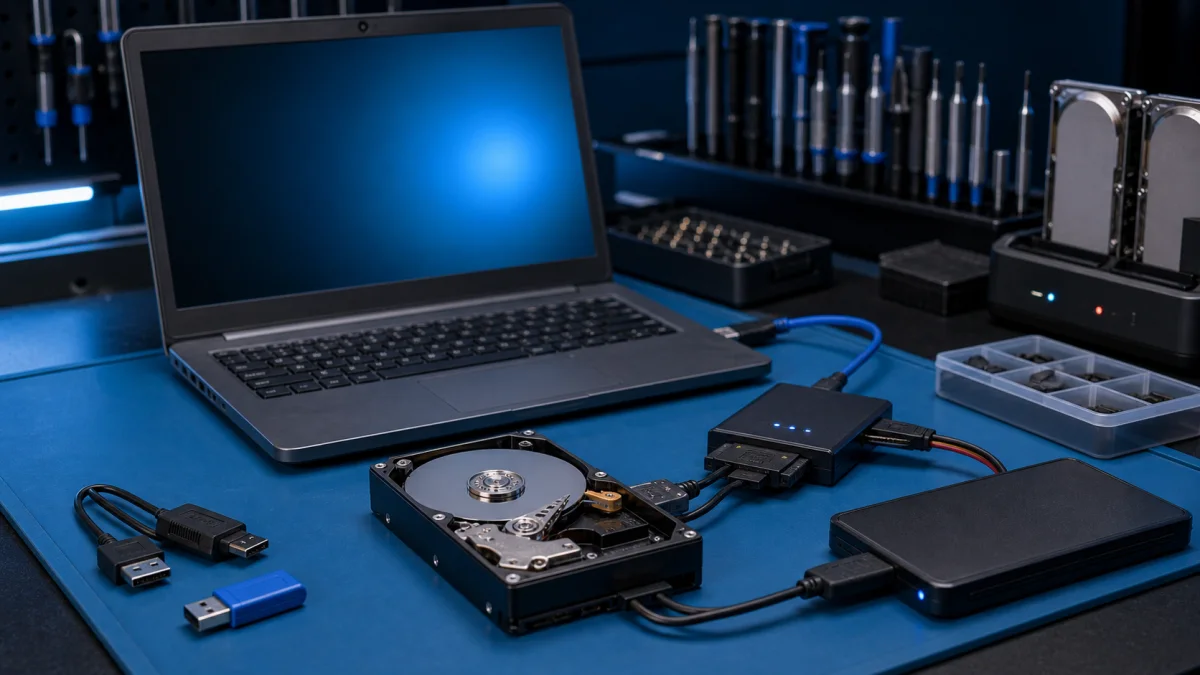
Data recovery is the process of salvaging data from damaged, failed, corrupted, or inaccessible secondary storage media when it cannot be accessed normally. Often the data are being salvaged from storage media such as internal or external hard disk drives, solid state drives (SSD), USB flash, storage tapes, CDs, DVDs, RAID, and other electronics. Recovery may be required due to physical damage to the storage device, liquid damage or logical damage to the file system that prevents it from being mounted by the host operating system. If the computer got wet, see what to do first after liquid damage.
Operating system failure
The most common "data recovery" scenario involves an operating system (OS) failure (typically on a single-disk, single-partition, single-OS system), in which case the goal is simply to copy all wanted files to another disk. This can be easily accomplished with a Live CD, most of which provide a means to mount the system drive and backup disks or removable media, and to move the files from the system disk to the backup media with a file manager or optical disc authoring software. Such cases can often be mitigated by disk partitioning and consistently storing valuable data files (or copies of them) on a different partition from the replaceable OS system files.

Disk or partition failure
Another scenario involves a disk-level failure, such as a compromised file system or disk partition, or a hard disk failure. In any of these cases, the data cannot be easily read. Depending on the situation, solutions involve repairing the file system, partition table or master boot record, or hard disk recovery techniques ranging from software-based recovery of corrupted data to hardware replacement on a physically damaged disk. If hard disk recovery is necessary, the disk itself has typically failed permanently, and the focus is rather on a one-time recovery, salvaging whatever data can be read.
Deleted files
In a third scenario, files have been "deleted" from a storage medium. Typically, deleted files are not erased immediately; instead, references to them in the directory structure are removed, and the space they occupy is made available for later overwriting. In the meantime, the original file may be restored. Although there is some confusion over the term, "data recovery" may also be used in the context of forensic applications or espionage.
Need help with this issue?
Do not keep testing a failing drive if the files are important. Ask first and we can estimate the safest next step.
More help for this symptom
Before recovery, identify the drive symptoms. Read what drive health data can and cannot tell you, why you should never install recovery software on the source drive, and what to do when an external drive asks to be formatted. A clicking hard drive and an undetected USB drive require different limits.
If a backup exists, confirm that its files can actually be restored before changing the original drive.