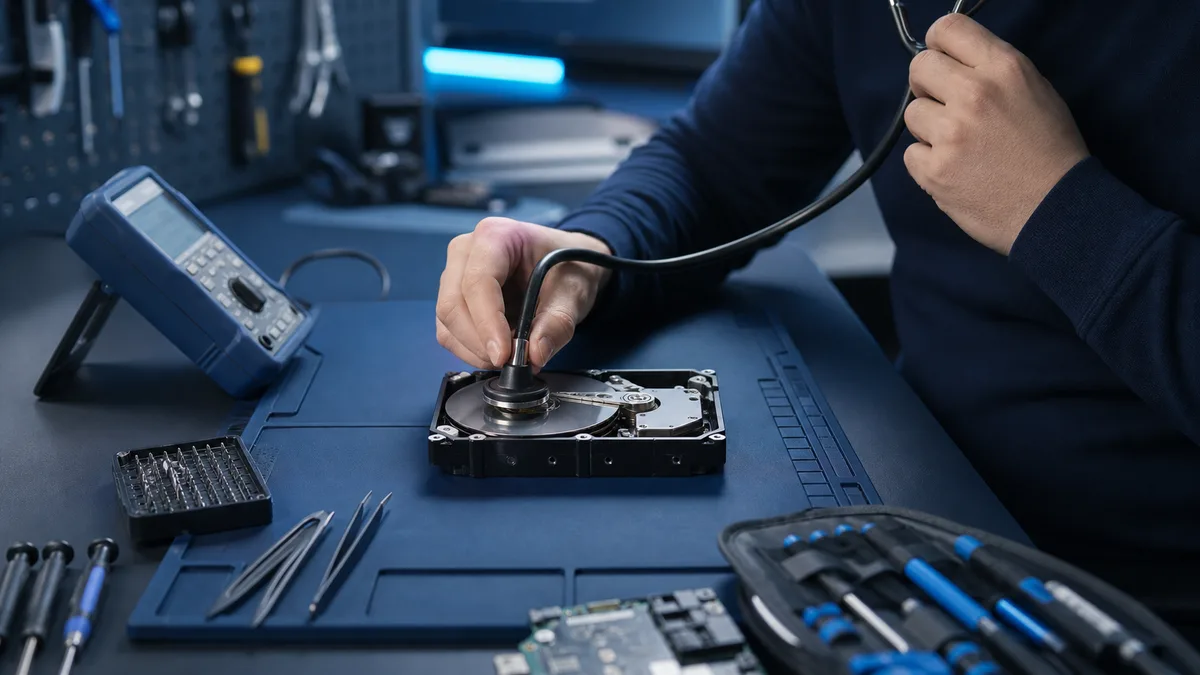
New repetitive clicking, scraping, or repeated spin-up attempts can indicate mechanical failure. If the data matters, shutting down is usually safer than testing whether the drive survives one more start.
Is the drive clicking and the data important?
Power the device down. Tell us what the drive sounds like and whether it is still detected so we can assess the safest next step.
Ask about a clicking drive
Which sounds are dangerous?
An occasional normal seek sound is not proof of failure. Regular clicking, spin-up and stop cycles, scraping, or a drive disappearing with the sound are serious symptoms.
When might copying be reasonable?
If the drive reads steadily without persistent unusual sound, start only with the smallest, most important files and save them to another physical drive. Do not begin a full surface scan.
When should you shut down?
- the sound repeats or becomes louder
- the drive disappears from BIOS or Windows
- each read freezes the computer
- the files are unique
What should you avoid?
Do not open the drive in a normal room, freeze it, hit it, or run a repairing disk check. These attempts may reduce the chance of specialist recovery.
The repair-shop boundary
Bitmaster can assess detection and whether software imaging is realistic. A mechanically damaged drive with critical data belongs with a clean-room specialist.
The key decision is when to stop a clicking drive
If the files are unique, do not power the drive again just to test it. We can assess whether controlled imaging is realistic or a specialist laboratory is needed.
Assess the data before another start
Software cannot repair a mechanical fault
Recovery software can read functioning media and locate lost file structures, but it cannot repair a damaged head or motor. If the sound comes from inside the drive, scanning may simply keep the failing mechanism moving for longer. With important data, the next step depends on the sound, detection, and value of the files.
A backup changes the risk decision
If every file exists elsewhere, the drive can be tested more freely and retired. Without a backup, the goal is not to repair the drive but to obtain the safest possible read.