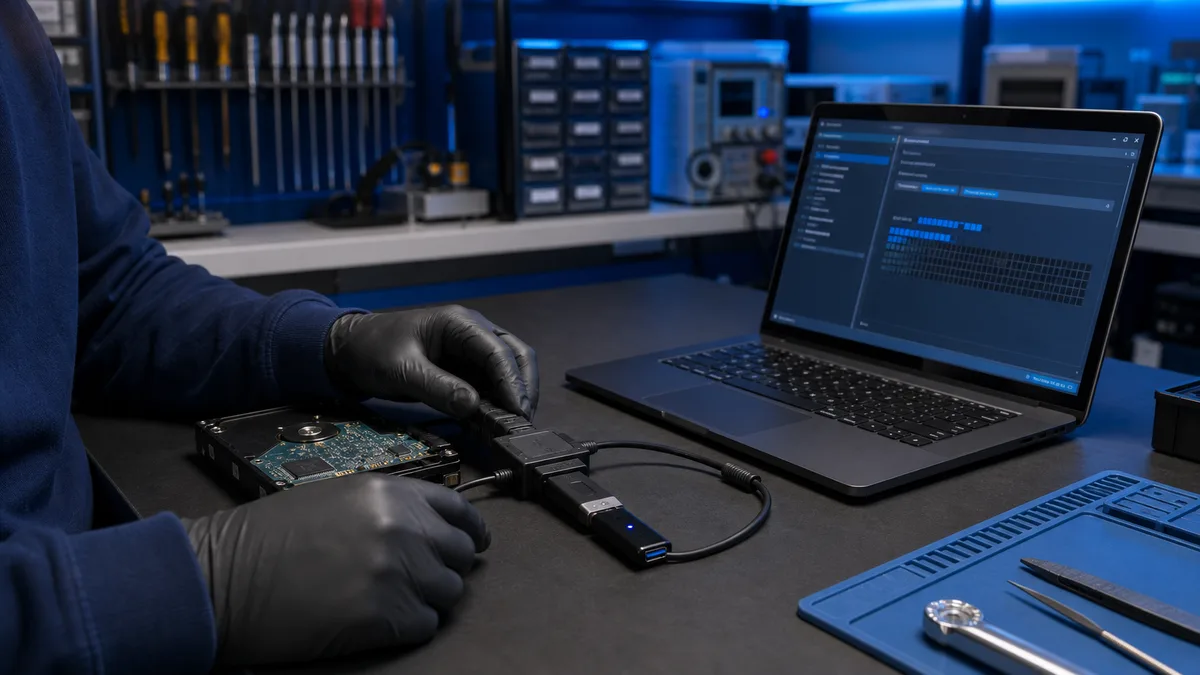
An invisible USB drive may have a port, drive-letter, file-system, or flash-controller fault. The importance of the files determines how far DIY testing should go.
Does the USB drive contain irreplaceable files?
Do not format it. Tell us whether Disk Management detects it, whether the capacity is correct, and whether it disconnects.
Ask about USB data
Safe checks
- try another port without a hub
- try another computer
- check whether Disk Management shows the correct capacity
- do not format or create a partition
What do the results mean?
A connection sound without a drive letter may indicate a file-system issue. A completely absent or incorrectly sized device may have physical damage.
When should you stop?
Stop if the connector is loose, the device heats up, disconnects, or contains unique files.
Recovery limits
Bitmaster can assess software reading. Chip-off recovery belongs with a specialist laboratory.
The next step depends on the value of the USB files
If the device is detected, the goal is to copy important files elsewhere. For unstable or physical damage, we explain the recovery level Bitmaster can provide.
Bring the USB drive for inspection
Why can a USB drive report the wrong capacity?
A controller fault may prevent the device from reporting its real memory size. Damaged partition information may also show the space as unallocated. If files should exist, creating a new partition or formatting is not a safe repair.
The connector may be the entire problem
A bent plug, cracked solder joint, or worn USB port can interrupt reading. Holding the device at an angle while copying is risky because movement may worsen the damage.
When is software recovery possible?
Software recovery may work when the device is detected consistently and the memory area can be read. If the controller or flash chip does not communicate, specialist equipment is required. A result cannot be promised before inspection.